New feature · 4 min read
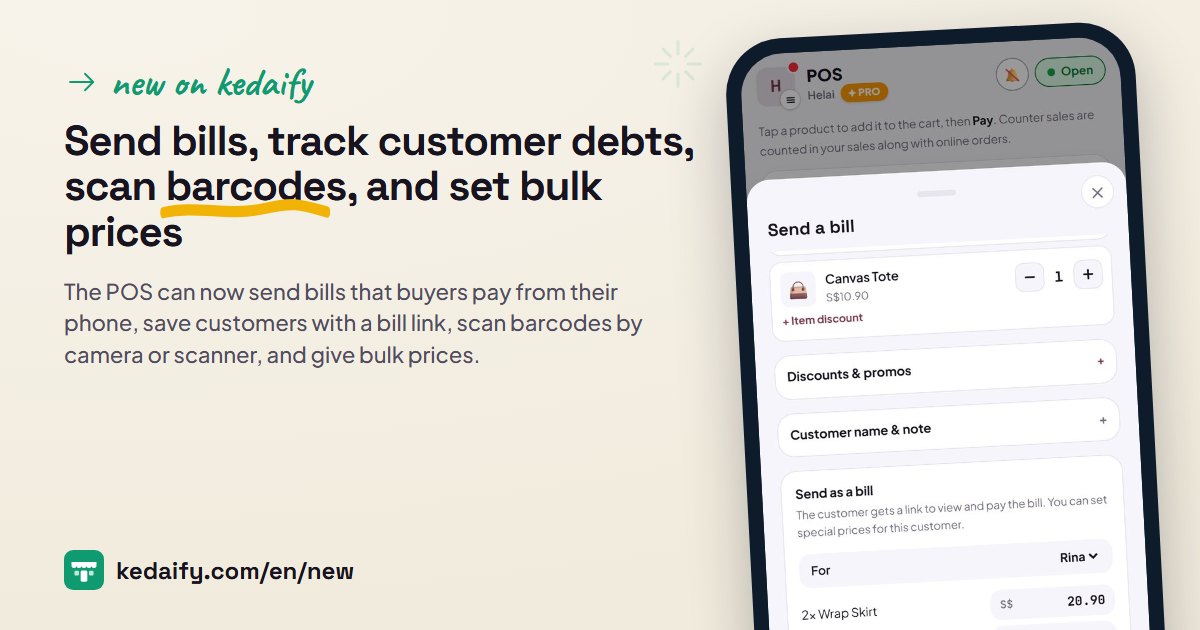
Kedaify Business is open: branches, teams, and stock per branch
Pro is built for one store. Once you open a second branch or have cashiers taking turns, the questions change: which branch did this order go to, which branch's stock is running out, who was on the till this afternoon. Kedaify Business is made for that, and it is open now. It has every Pro feature, plus branches, stock per branch, and a team. All examples below use the Katong Kopi demo store.
1. Up to 5 branches under one link
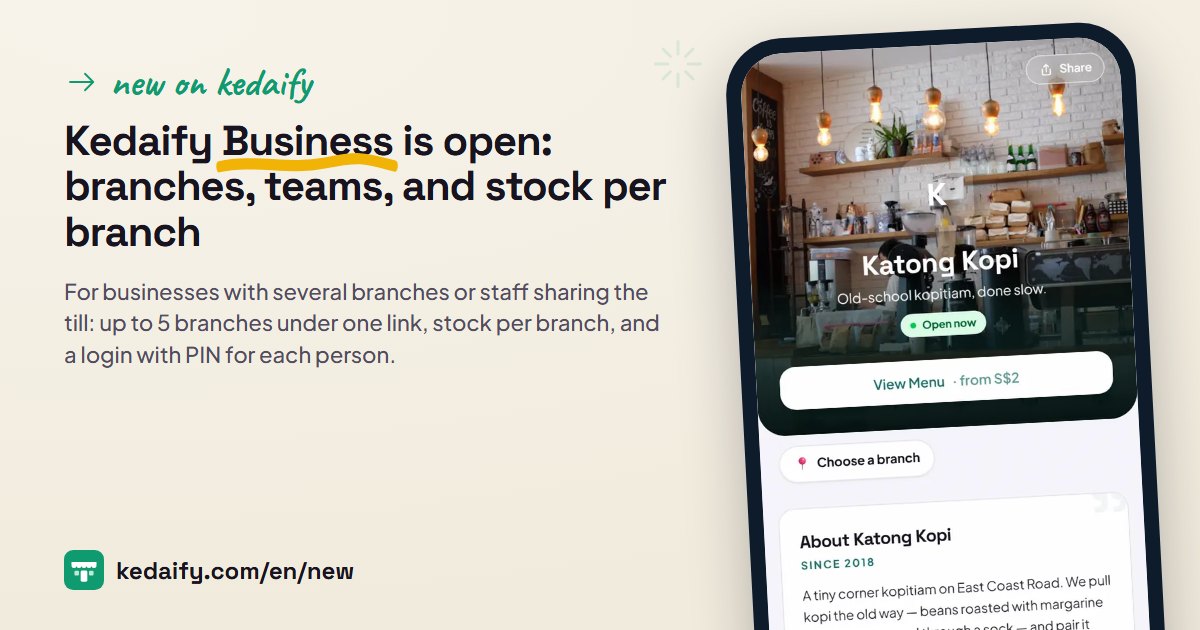
Each branch has its own WhatsApp number, QR payment code, opening hours, address and delivery fee, while the store link and product list stay one. A buyer picks a branch once and their choice is remembered on their phone. The order goes to that branch's WhatsApp, with the branch name written in the message.
- Your current store becomes the main branch, with nothing to set up again. Fields left empty on other branches follow the main branch.
- Prices and the product list are the same for every branch. Sold-out items can be marked per branch.
- Table QR codes and posters made for one branch open that branch directly.
- A closed branch can be archived: it disappears from the buyer's choices, its sales history stays, and it can be reopened.
How to use it: Settings → Branches → + Add branch.
2. Orders, POS and reports per branch
Under the dashboard title there is a choice of All branches or one branch. Summary, Orders, POS, End of day, Expenses and the Pro reports follow the branch you pick, so you can see each branch's sales separately or added together.
- See branches shows each branch's sales today, which branches are open, and who is working there.
- When viewing all branches, every order carries its branch label.
- POS and End of day are counted per branch: drawer cash, cash out and the Z report are separate for each.
- The branch choice is remembered on each phone, so the phone in Tiong Bahru opens Tiong Bahru straight away.
How to use it: Tap the branch name under the dashboard title.
3. Stock and ingredients per branch
Product stock and ingredients are counted at each branch. POS sales and online orders reduce the stock of the branch the order belongs to, and a void puts it back in the same branch. A product that runs out at one branch shows Sold out at that branch only.
- Transfer: send stock or ingredients from one branch to another, recorded in both histories.
- Stock in, stock counts and 7-day usage are recorded per branch.
- Ingredient cost uses one average price across all branches.
- A cashier can mark a product sold out for their own branch.
How to use it: Stock & ingredients → pick the branch → Transfer.
4. A separate login for everyone on your team
Invite staff by email or WhatsApp, then choose their role, manager or cashier, and the branch they work at. They sign in with their own account, so you never share the owner's login, and access can be removed at any time.
- Cashiers only see the POS, Orders, Menu (to mark items sold out) and End of day for their shift. Sales, reports and settings stay hidden.
- Managers see all tabs and reports for their branch, but can't change Settings, Plan or Team.
- A shared till phone or tablet only needs to be set up once. Each cashier signs in with their name and PIN, and every sale records the cashier and shift.
- Voids and discounts above the limit you choose (10% at first) need a manager's PIN. Everything is recorded in the Activity log, including price changes.
- Up to 10 people are included, with no fee per person or per device.
How to use it: Settings → Team & access → + Invite.
Questions about this release
I only have one store. Do I need Business?
If you run the store yourself, Pro is enough. Business helps if you have another branch, or staff who need their own login and take turns on the till, even in a single store.
What is the difference from creating a second store?
One account can have up to 5 separate stores, each with its own link, products and plan. Business joins branches into one store: one link with a branch choice, one product list, combined reports, and one team for all branches.
What happens if my Business plan stops?
Your store keeps selling and no data is deleted. The main branch keeps taking orders; extra branches, team logins and Pro features pause, then come back when Business is renewed.
Do staff need to pay or install an app?
No. Up to 10 people are included, and they open the dashboard in the browser on a phone or tablet, the same as the owner.
Are financial reports like profit and loss and cash flow included?
Yes, in Business: Profit & loss, Cash flow and each account's balance, and monthly close, all built automatically from sales, expenses and End of day. You can see them per branch or all together. Look for the posts on financial reports and on branch reports, tax and accountant export in What's new.