What's new in Kedaify
New features, how to use them, and news from the team, for everyone selling with Kedaify.
Selling tips and answers about POS, pricing and online stores are on the Kedaify Blog.
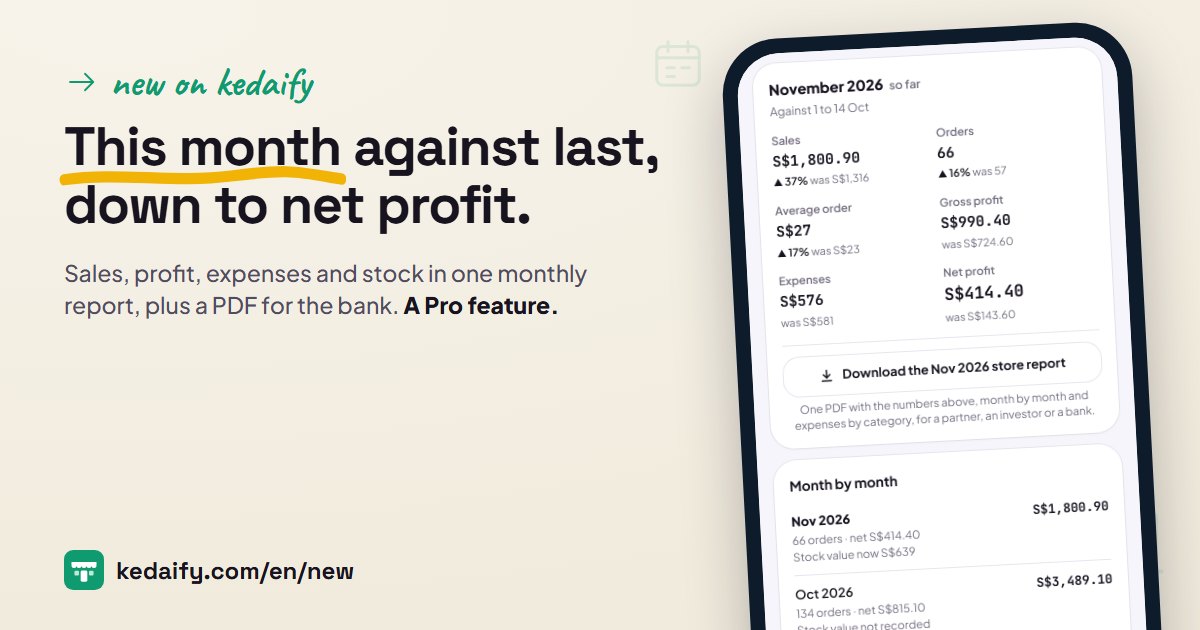
New feature · 14 November 2026
Monthly report: this month against last month, down to net profit and stock
Sales down to net profit every month, against the same days last month. With your stock value, a store report PDF and a sales history you can search.
Read moreEarlier posts
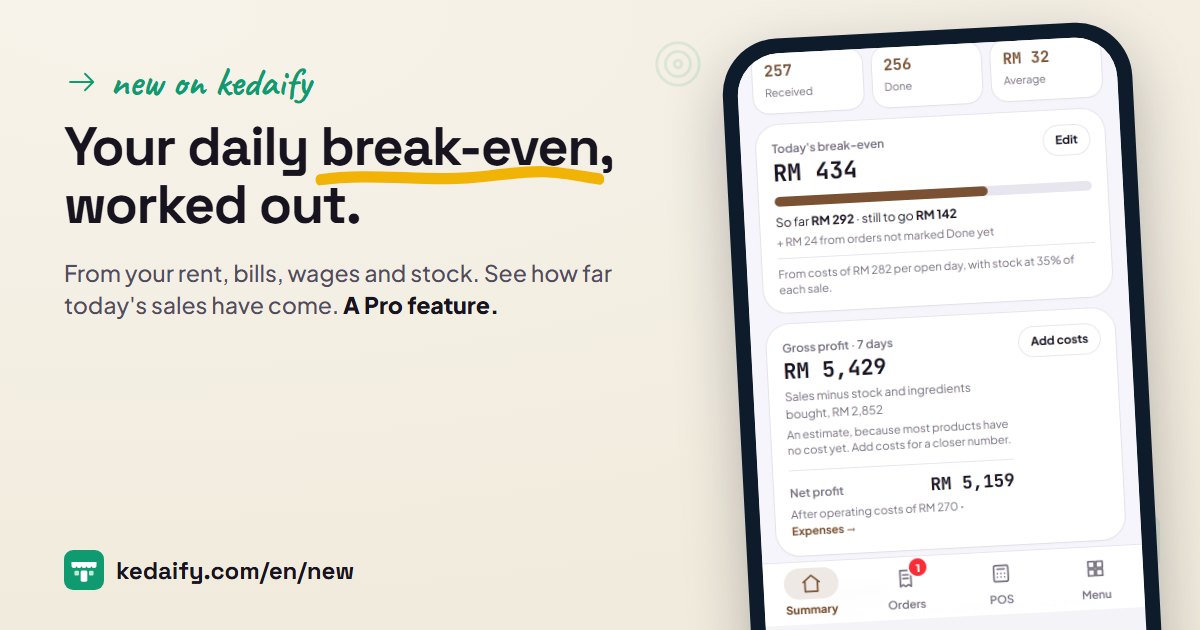 Your daily break-even: the least to sell each day, from your own costsEnter rent, bills, wages and daily costs once. Kedaify works out the least to sell each day to cover them, then shows how far today's sales have come.
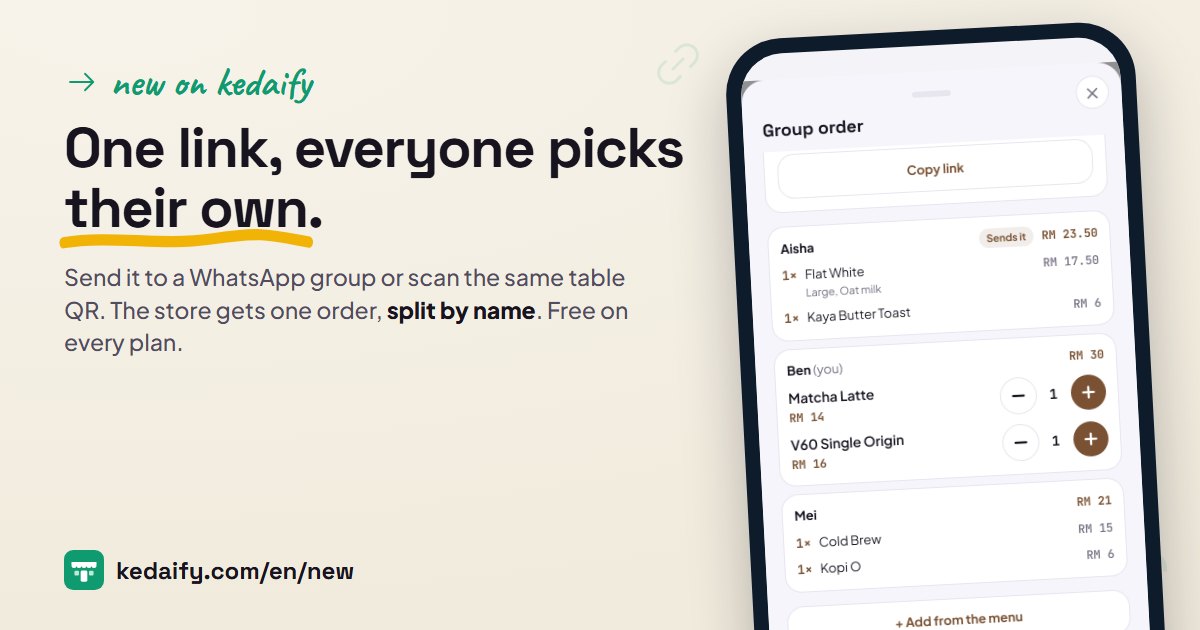 Group orders: one link for a whole group or tableFriends at work or at one table each pick their own order in one link. One person sends it, and the store gets one order split by name. Free on every plan.
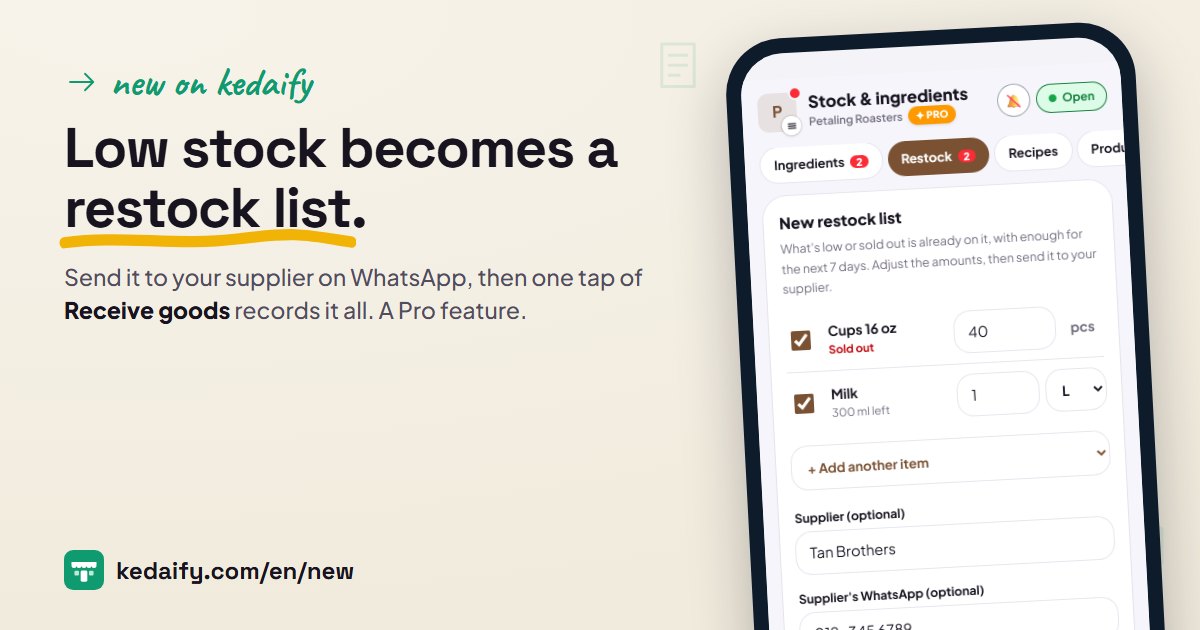 Low stock turns into a restock list for your supplierIngredients and products that run low land on a restock list with amounts. Send it to your supplier on WhatsApp, then one tap of Receive goods records it all.
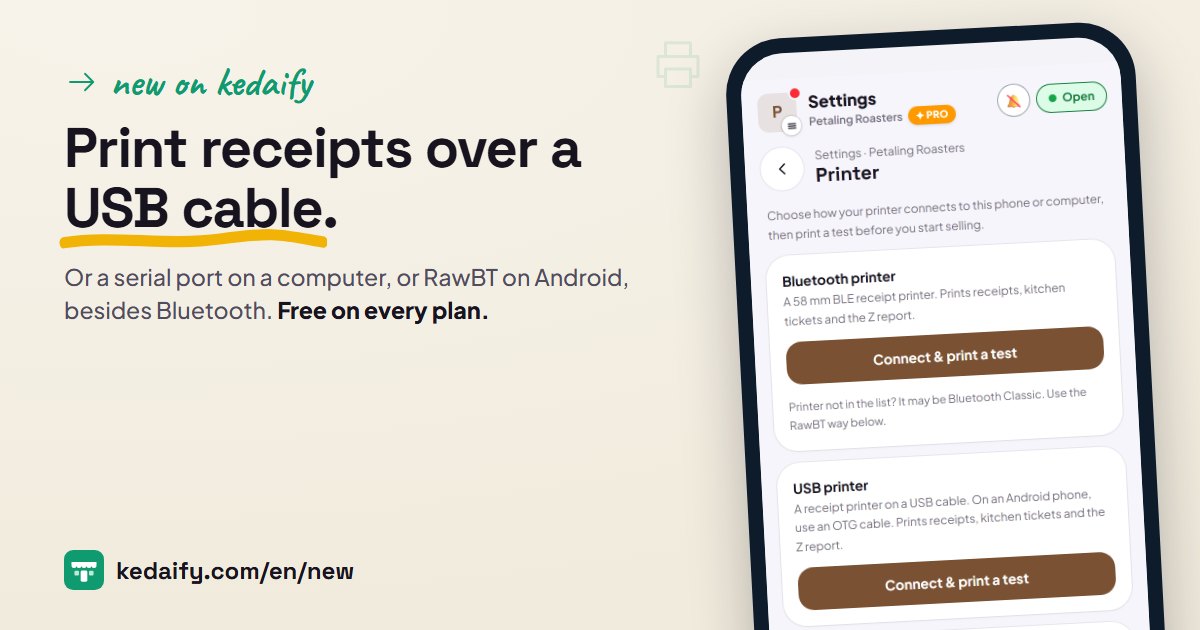 Print receipts over a USB cable, a serial port or RawBTBesides Bluetooth, the POS now prints over a USB cable, a serial port on a computer, and the RawBT app on Android for Bluetooth Classic printers.
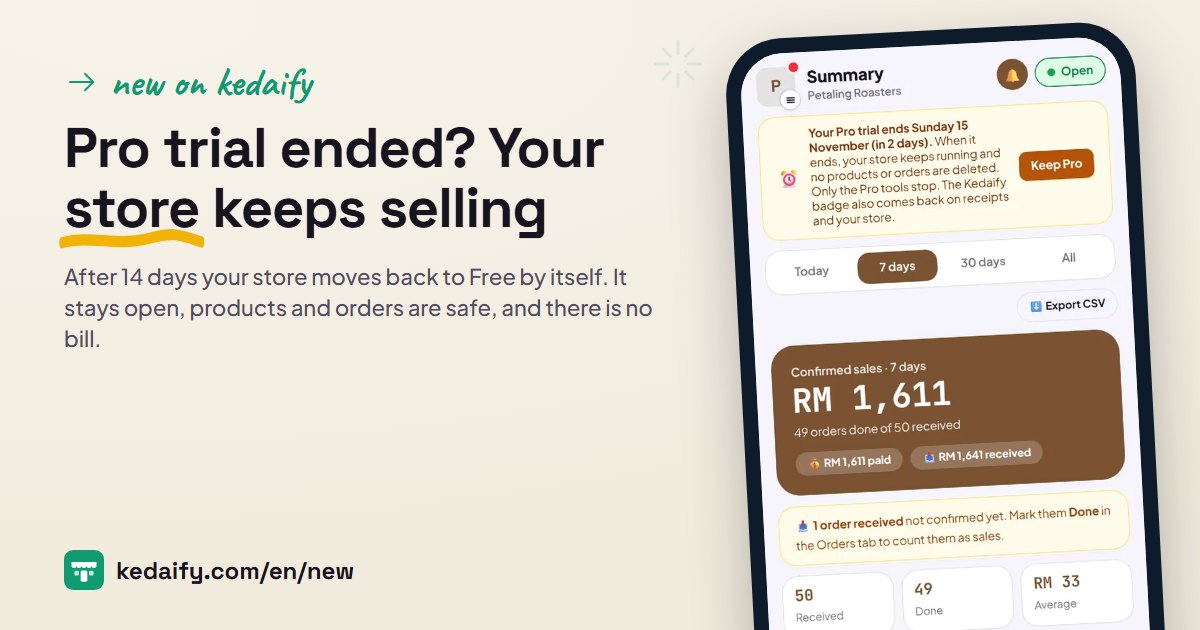 Pro trial ended? Your store keeps sellingAfter 14 days your store moves back to Free by itself. It stays open, products and orders are safe, and there is no bill. See what keeps working.
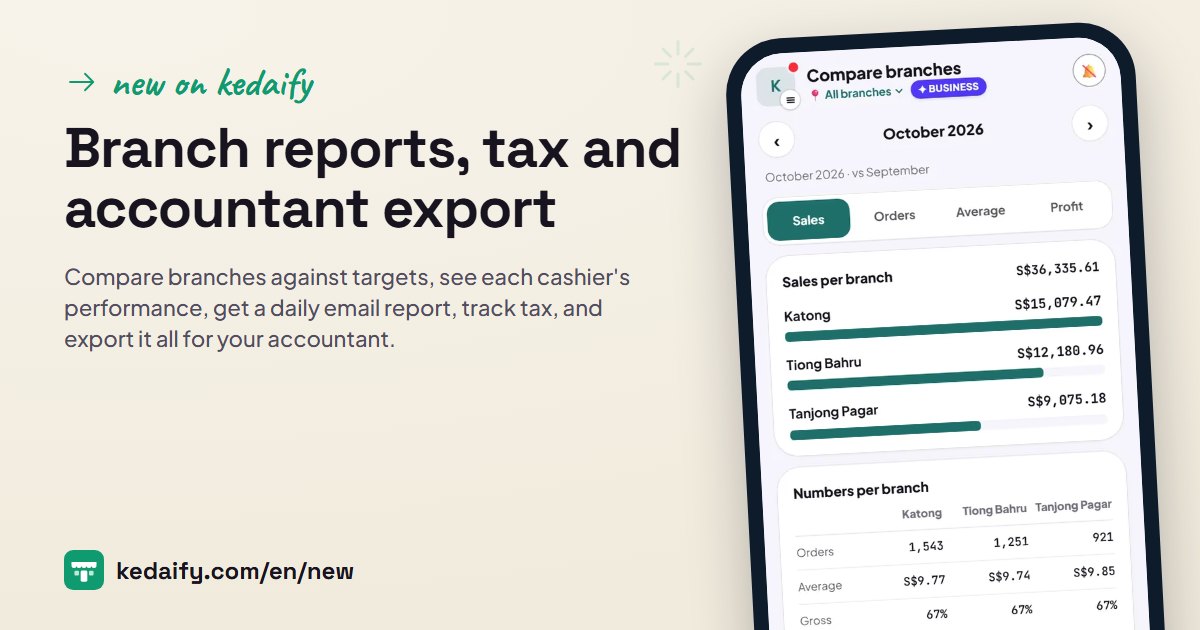 Business: compare branches, cashier performance, tax, financial position and accountant exportCompare branches against targets, see each cashier's performance, get a daily email report, track tax, and export it all for your accountant.
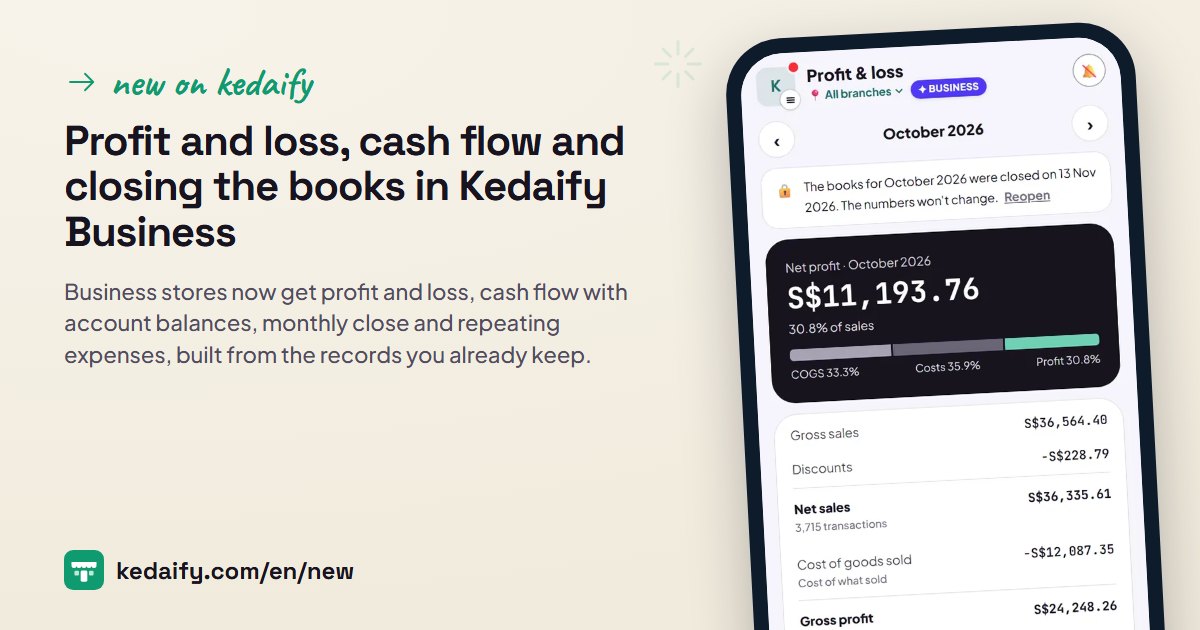 Financial reports in Kedaify Business: profit and loss, cash flow, and closing the booksBusiness stores now get profit and loss, cash flow with account balances, monthly close and repeating expenses, built from the records you already keep.
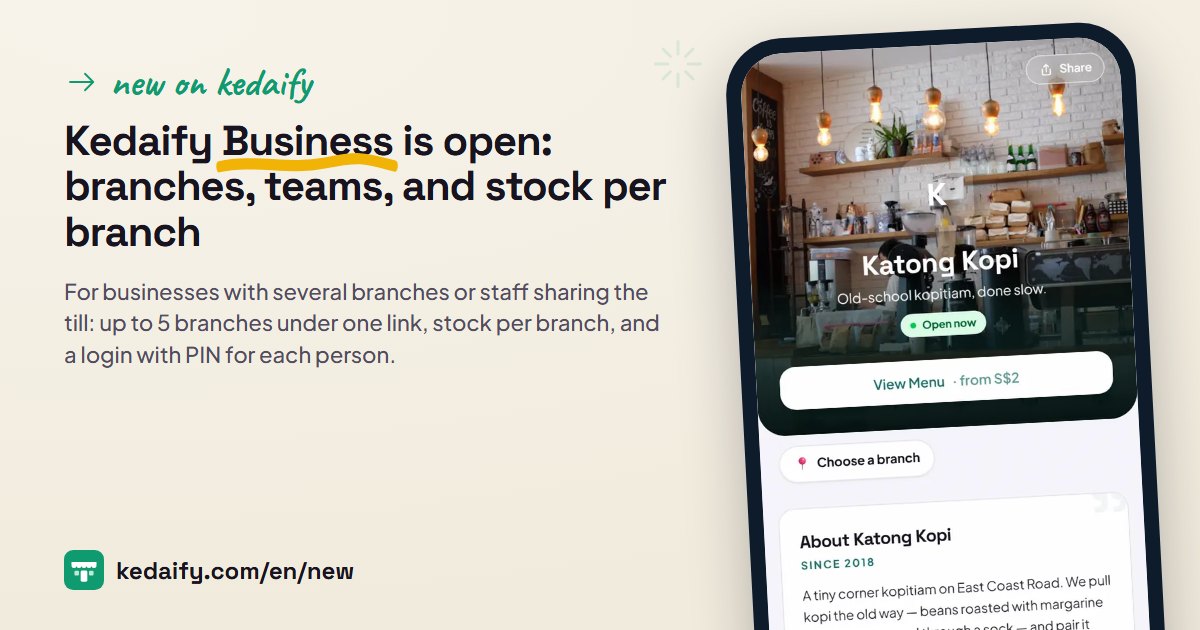 Kedaify Business is open: branches, teams, and stock per branchFor businesses with several branches or staff sharing the till: up to 5 branches under one link, stock per branch, and a login with PIN for each person.
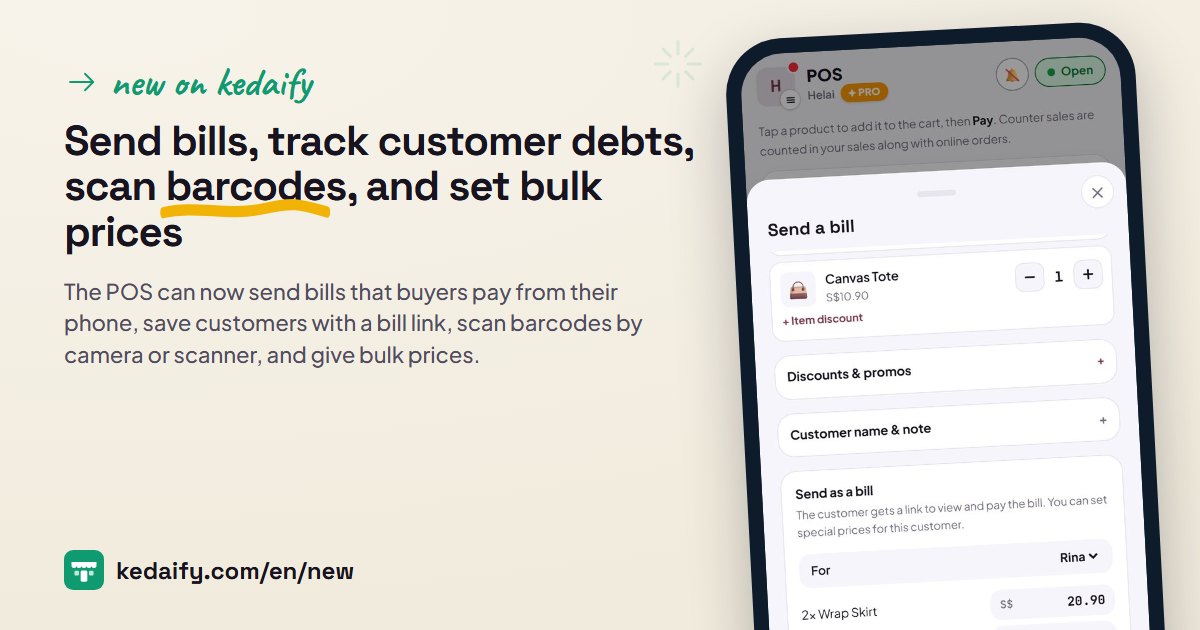 Send bills, track customer debts, scan barcodes, and set bulk pricesThe POS can now send bills that buyers pay from their phone, save customers with a bill link, scan barcodes by camera or scanner, and give bulk prices.
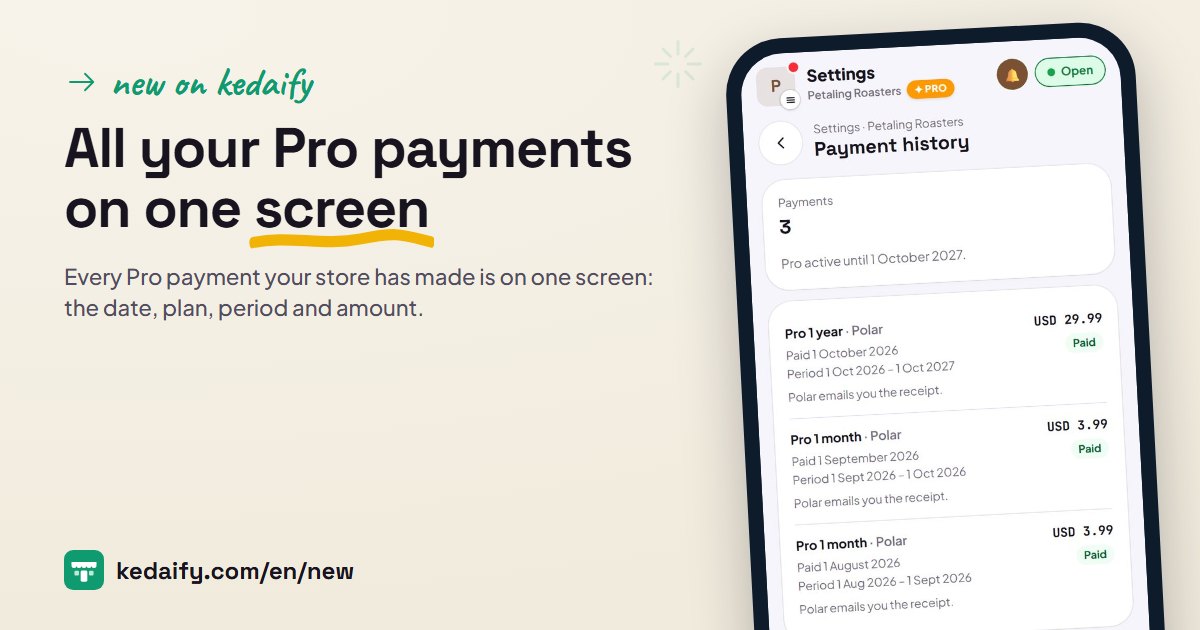 All your Pro payments on one screenEvery Pro payment your store has made is on one screen: the date, plan, period and amount. Polar emails you a receipt for each one.
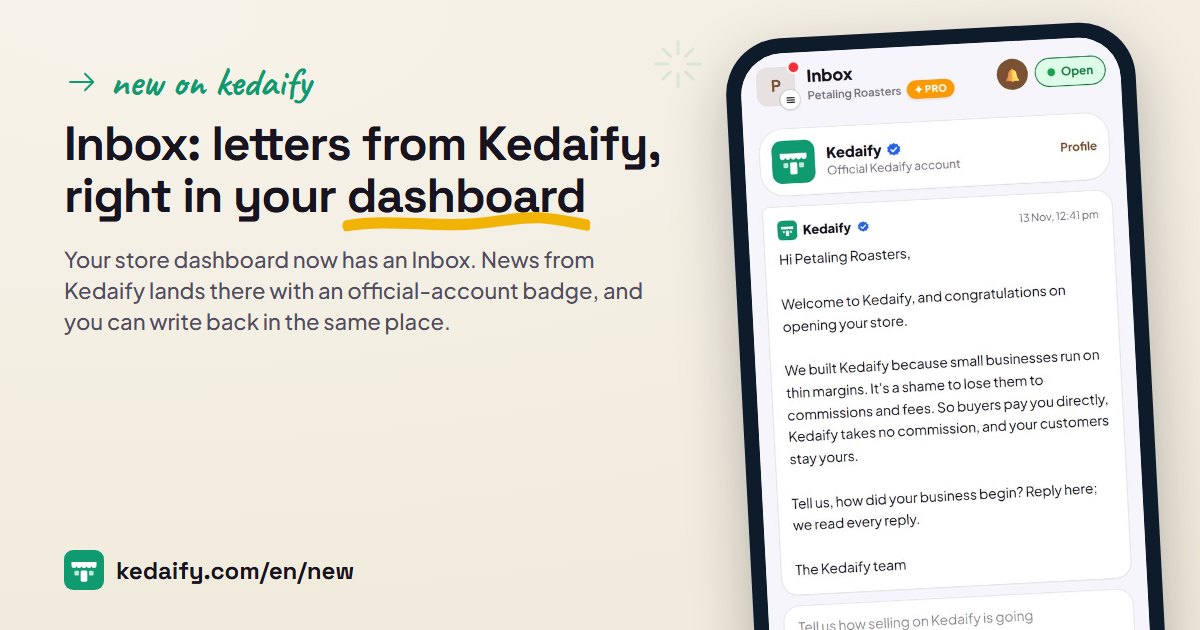 Inbox: letters from Kedaify, right in your dashboardYour store dashboard now has an Inbox. News from Kedaify lands there with an official-account badge, and you can write back in the same place.
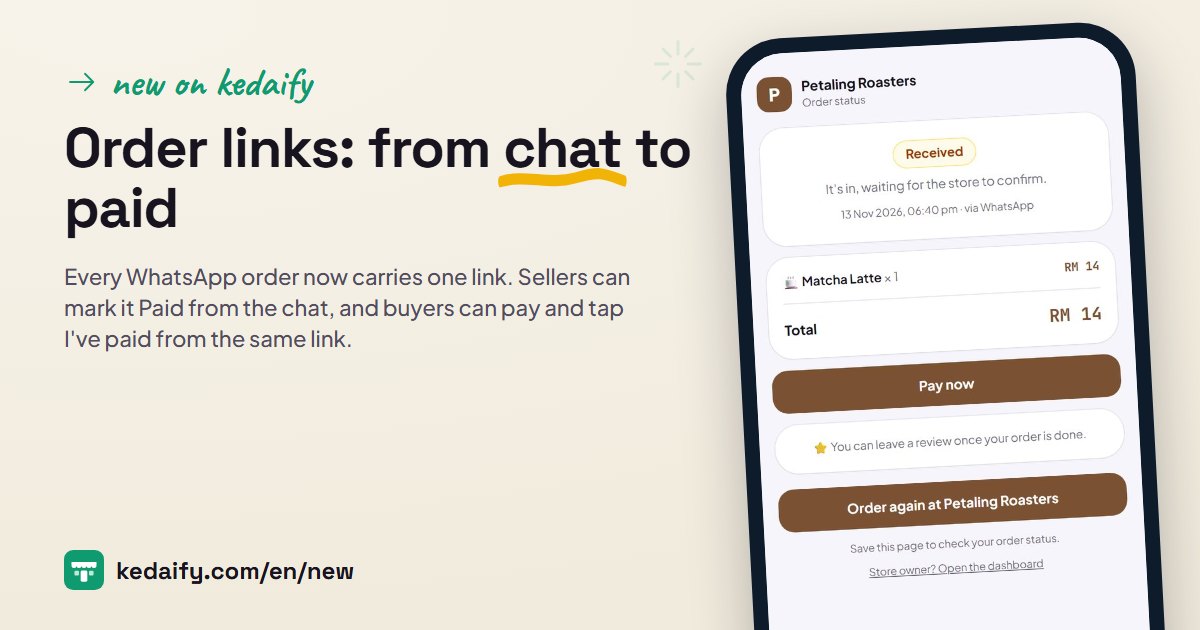 Order links: from chat to paidEvery WhatsApp order now carries one link. Sellers can mark it Paid from the chat, and buyers can pay and tap I've paid from the same link.
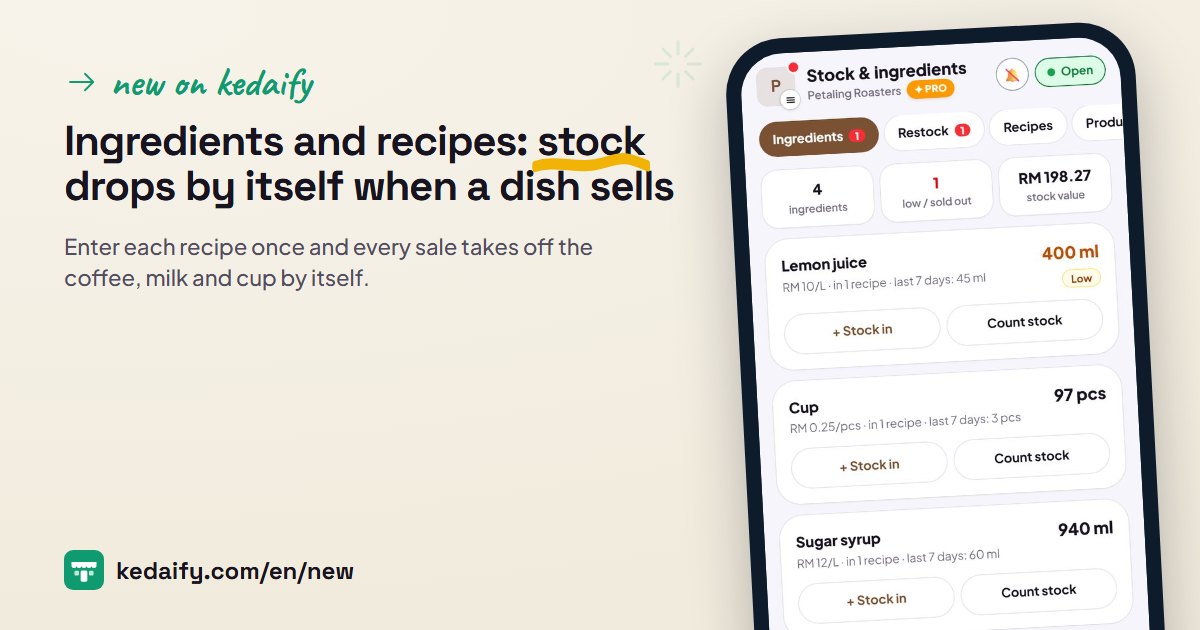 Ingredients and recipes: stock drops by itself when a dish sellsEnter each recipe once and every sale takes off the coffee, milk and cup by itself. Record stock in with prices, count stock with a reason, see dish costs.
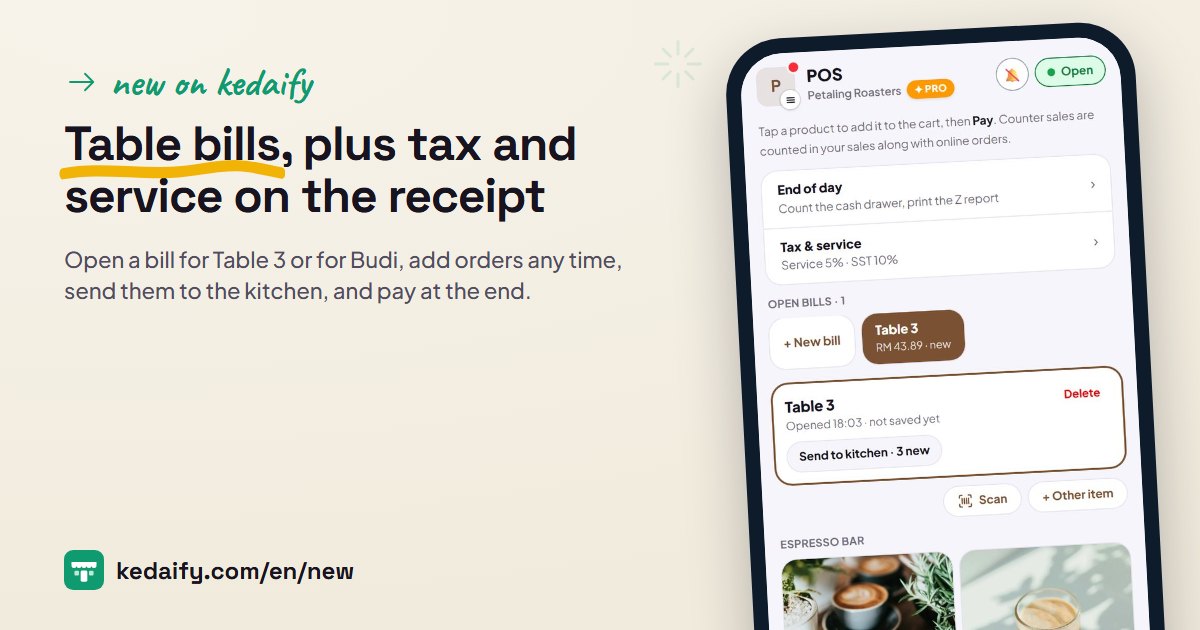 Table bills, plus tax and service on the receiptOpen a bill for Table 3 or for Budi, add orders any time, send them to the kitchen, and pay at the end. Tax and service are worked out on the receipt.
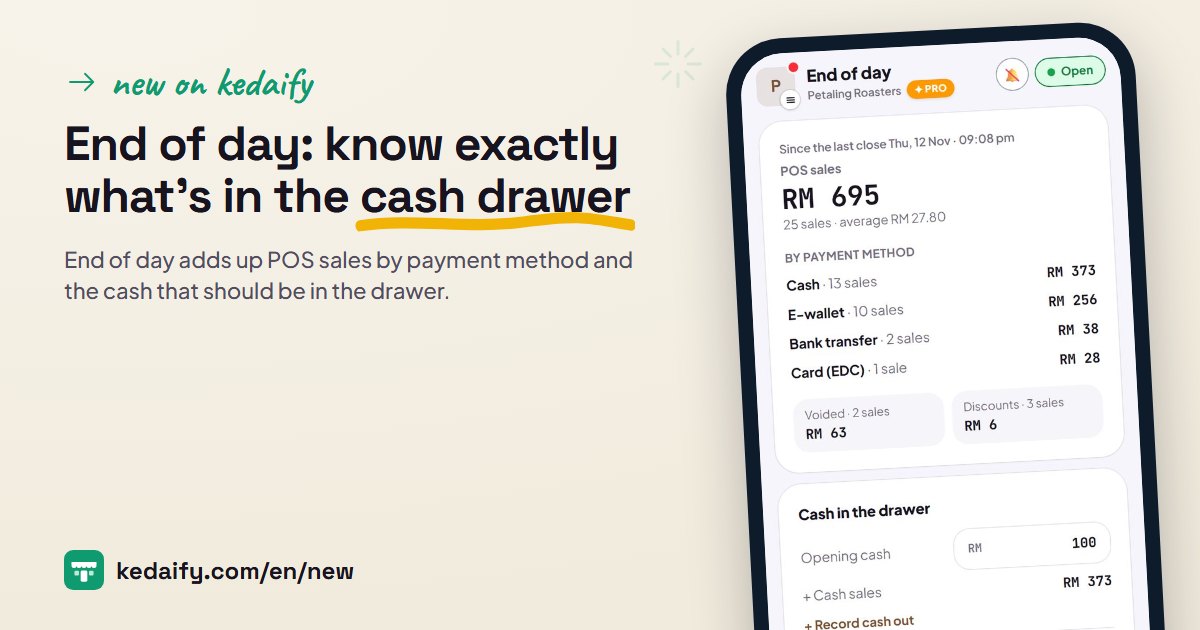 End of day: know exactly what's in the cash drawerEnd of day adds up POS sales by payment method and the cash that should be in the drawer. You count it, the gap is saved, and you can print a Z report.
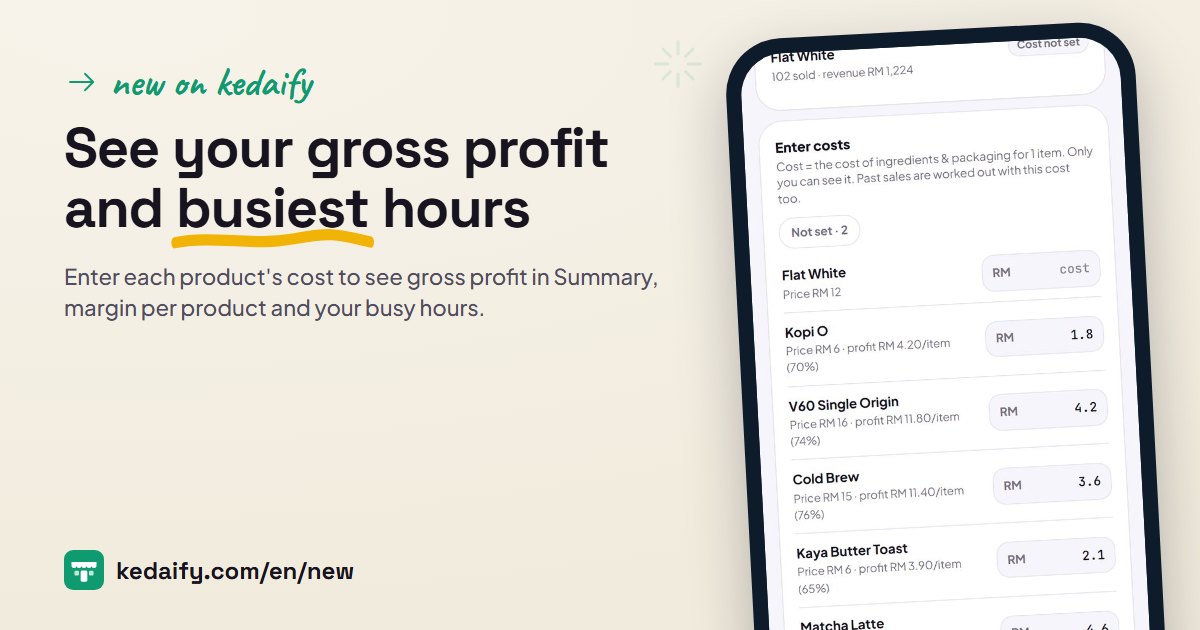 See your gross profit and busiest hoursEnter each product's cost to see gross profit in Summary, margin per product and your busy hours. Costs are saved with each sale and only you see them.
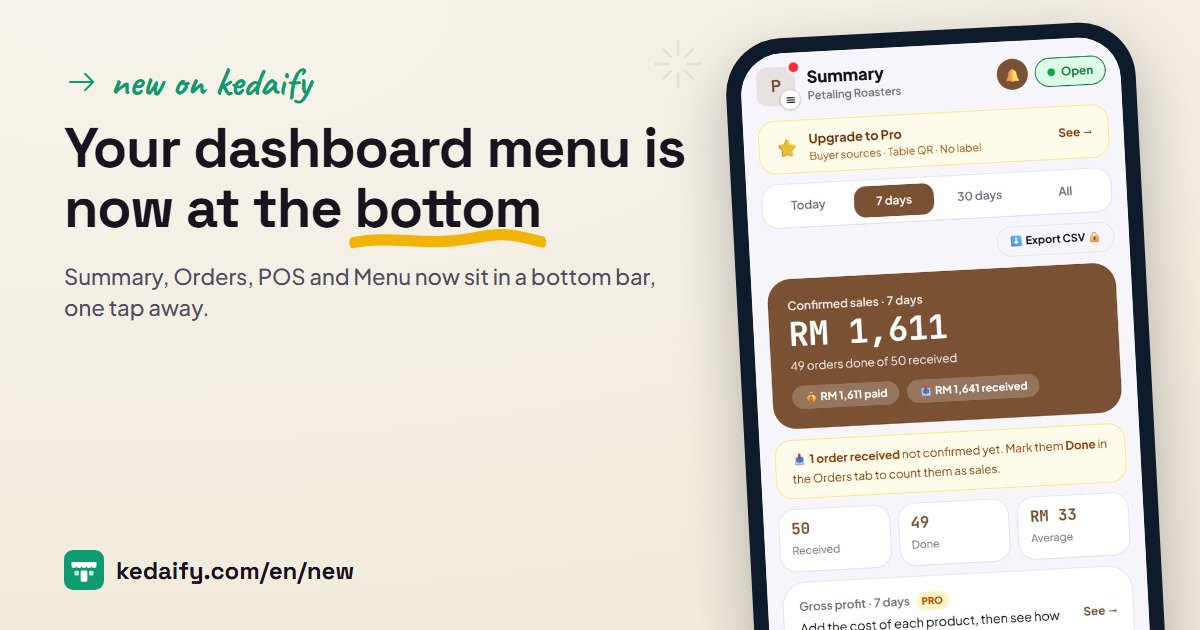 Your dashboard menu is now at the bottomSummary, Orders, POS and Menu now sit in a bottom bar, one tap away. Everything else is in a drawer from your store logo, or a side menu on a laptop.
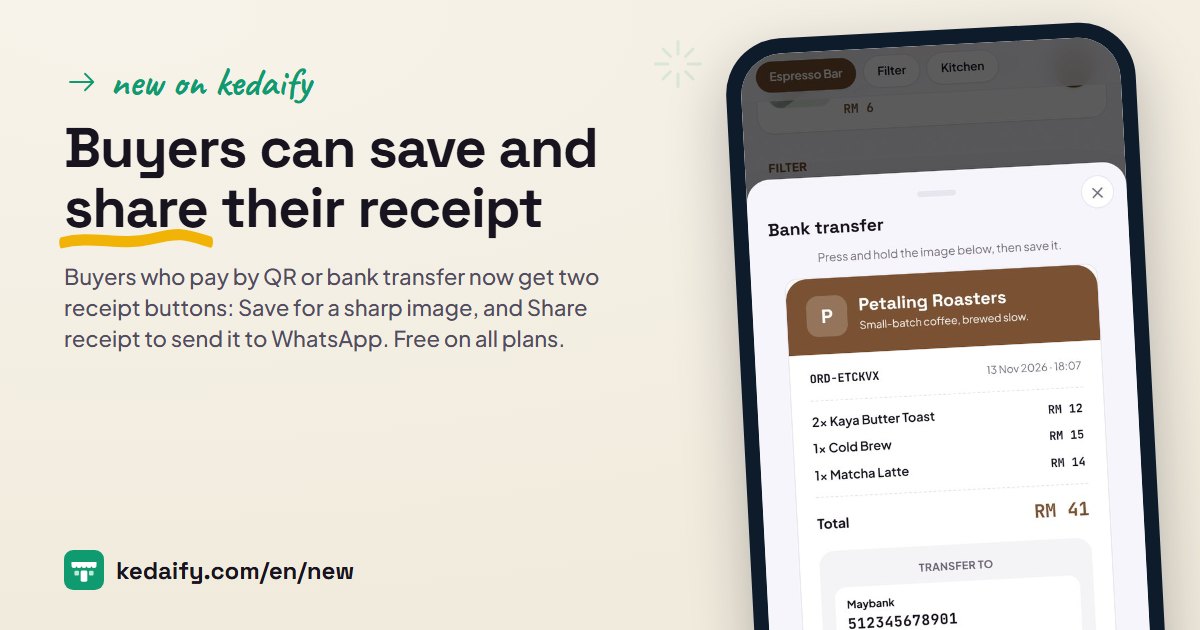 Buyers can save and share their receiptBuyers who pay by QR or bank transfer now get two receipt buttons: Save for a sharp image, and Share receipt to send it to WhatsApp. Free on all plans.
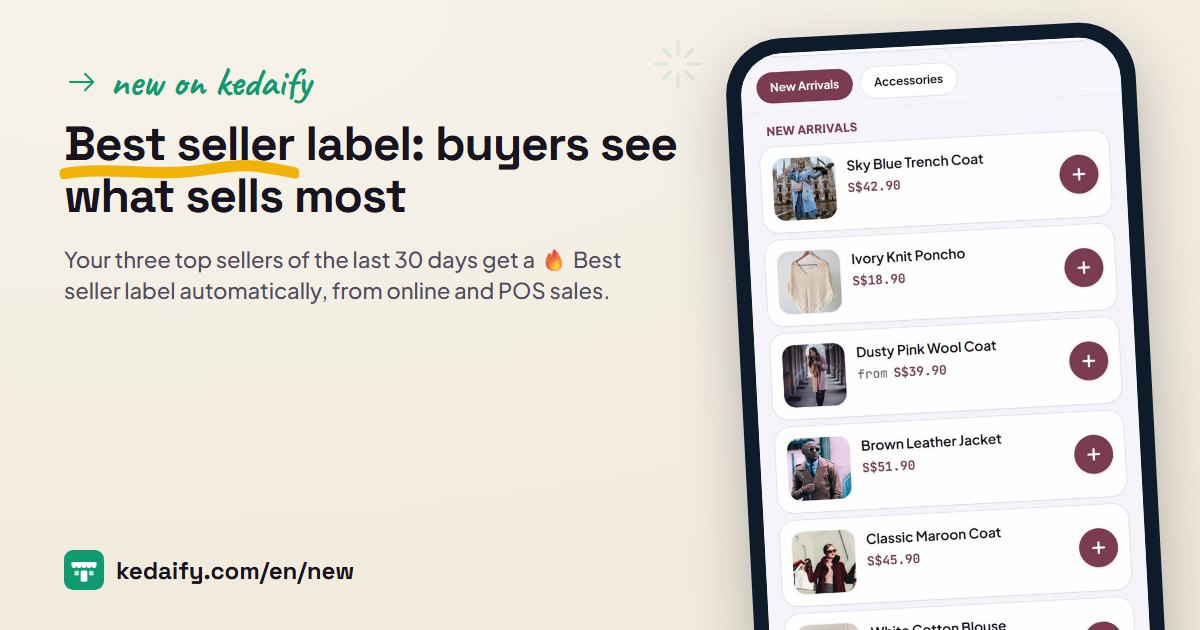 Best seller label: buyers see what sells mostYour three top sellers of the last 30 days get a 🔥 Best seller label automatically, from online and POS sales. How it works and how to use it, on every plan
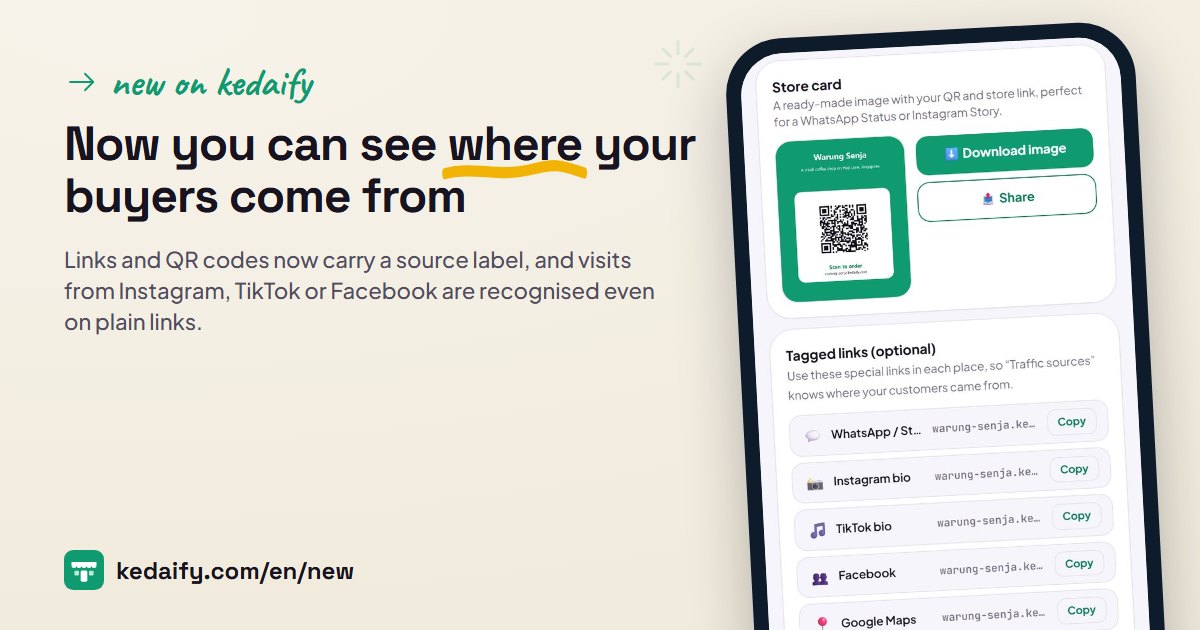 Now you can see where your buyers come fromLinks and QR codes now carry a source label, and visits from Instagram, TikTok or Facebook are recognised even on plain links. See it in Traffic.
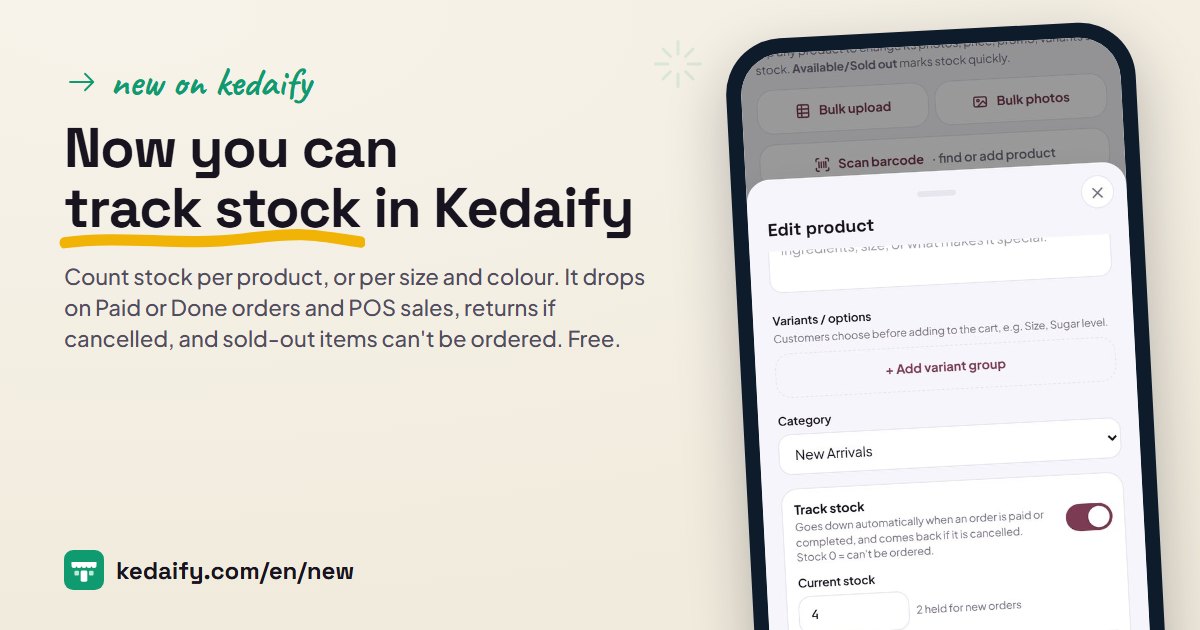 Now you can track stock in KedaifyCount stock per product, or per size and colour. It drops on Paid or Done orders and POS sales, returns if cancelled, and sold-out items can't be ordered. Free.
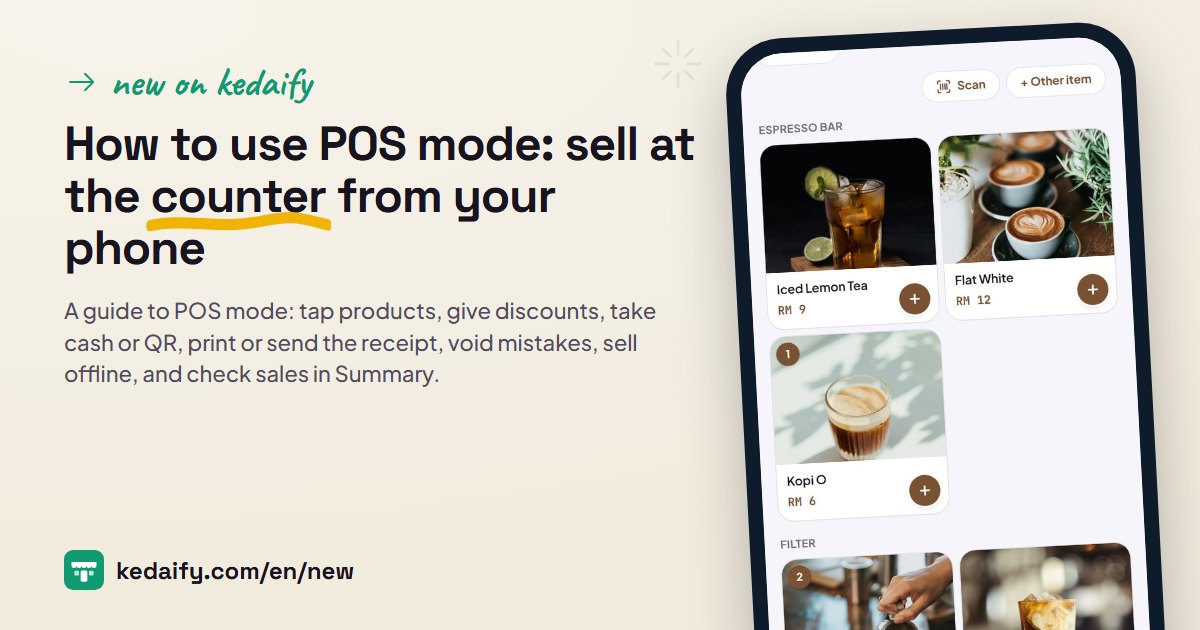 How to use POS mode: sell at the counter from your phoneA guide to POS mode: tap products, give discounts, take cash or QR, print or send the receipt, void mistakes, sell offline, and check sales in Summary.
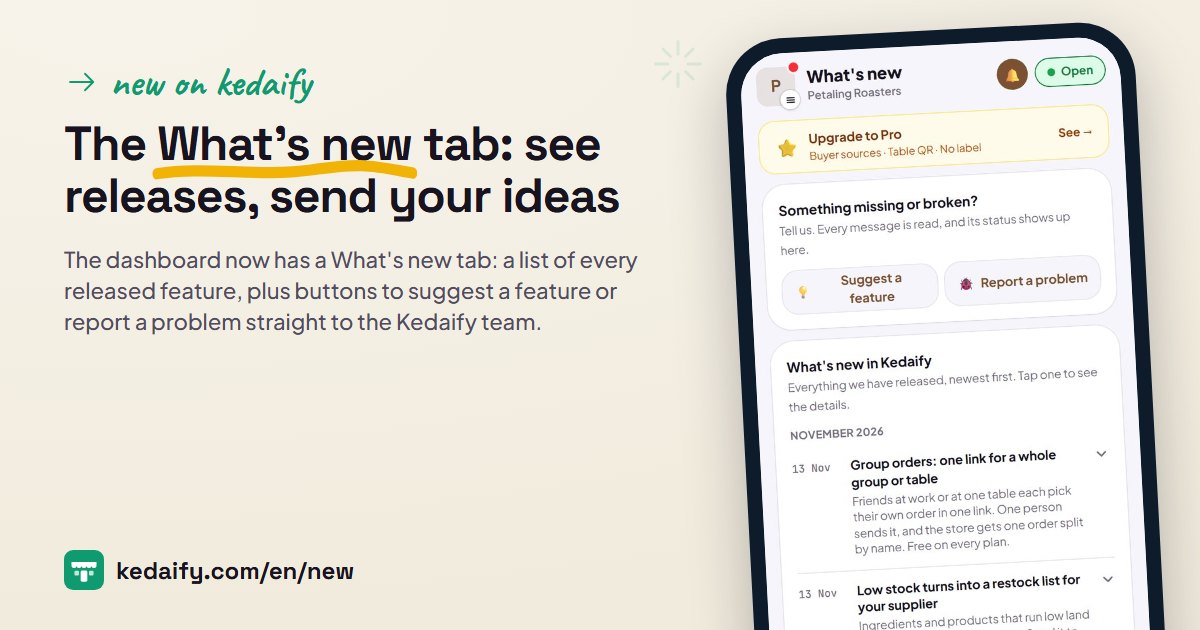 The What's new tab: see releases, send your ideasThe dashboard now has a What's new tab: a list of every released feature, plus buttons to suggest a feature or report a problem straight to the Kedaify team.
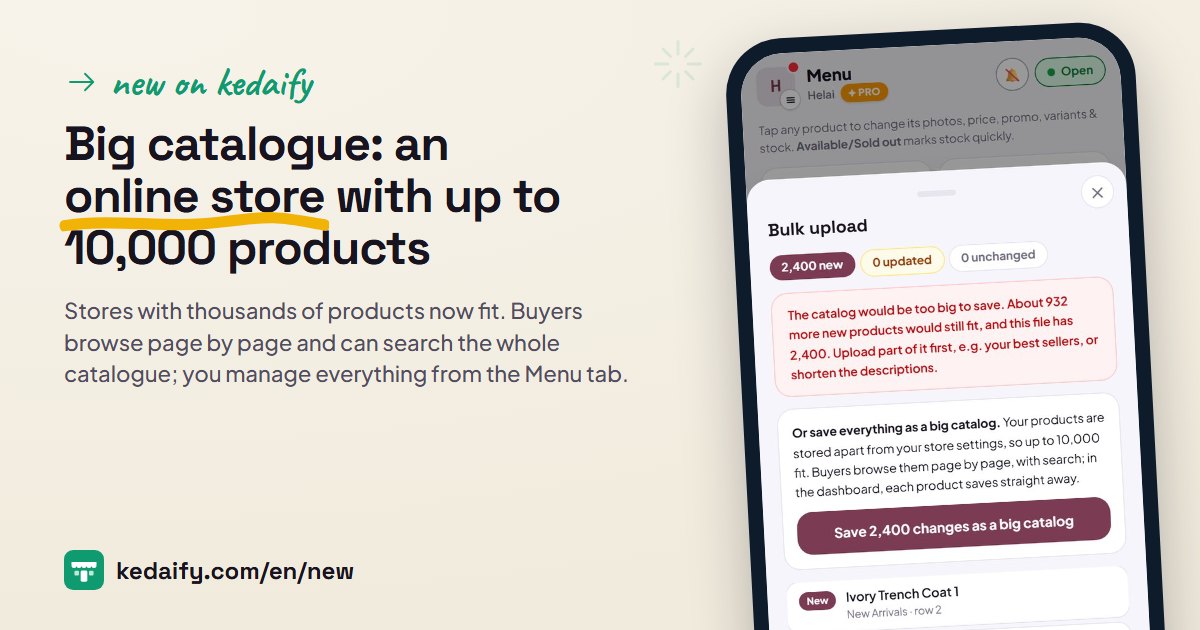 Big catalogue: an online store with up to 10,000 productsStores with thousands of products now fit. Buyers browse page by page and can search the whole catalogue; you manage everything from the Menu tab.
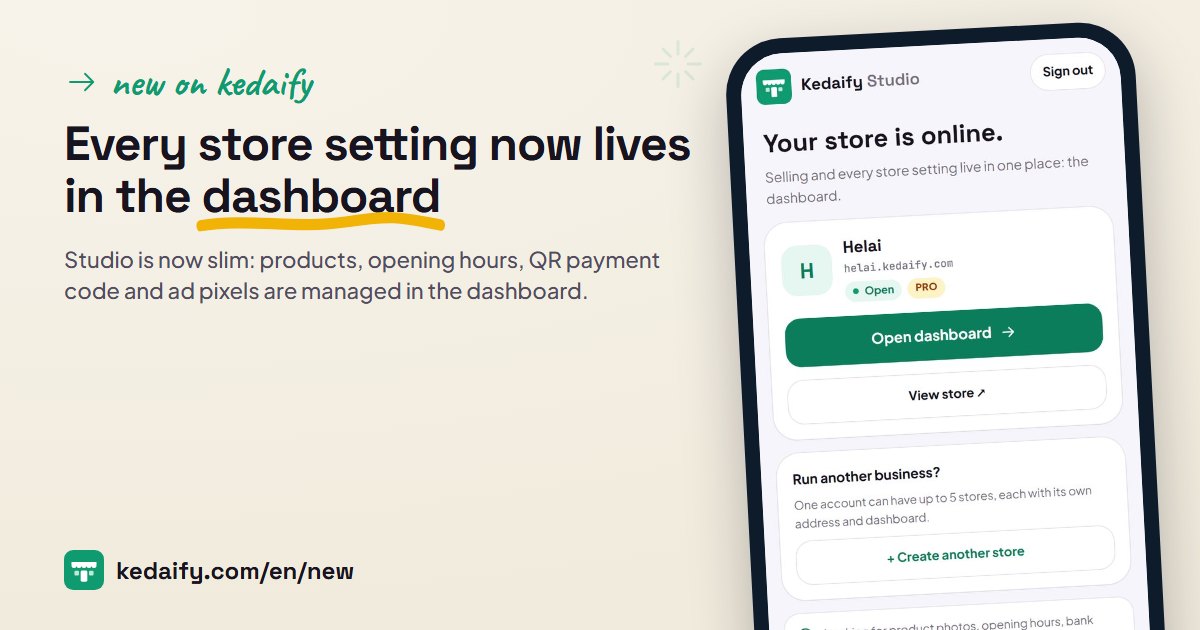 Every store setting now lives in the dashboardStudio is now slim: products, opening hours, QR payment code and ad pixels are managed in the dashboard. Plus big catalogues of up to 10,000 products.
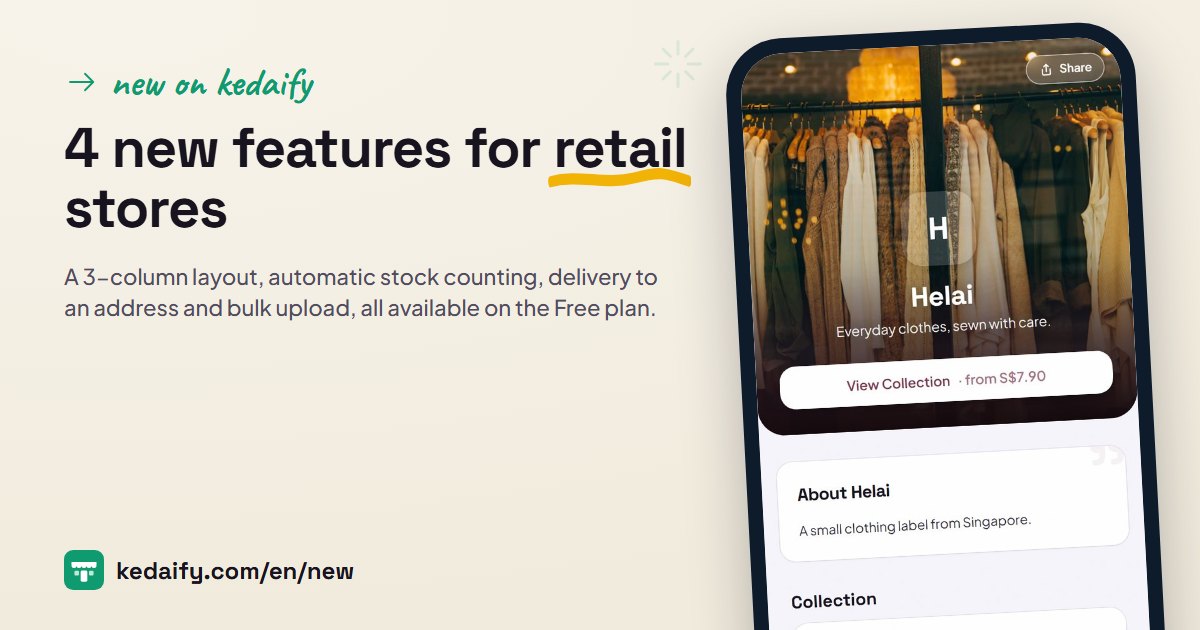 4 new features for retail storesA 3-column layout, automatic stock counting, delivery to an address and bulk upload, all available on the Free plan.
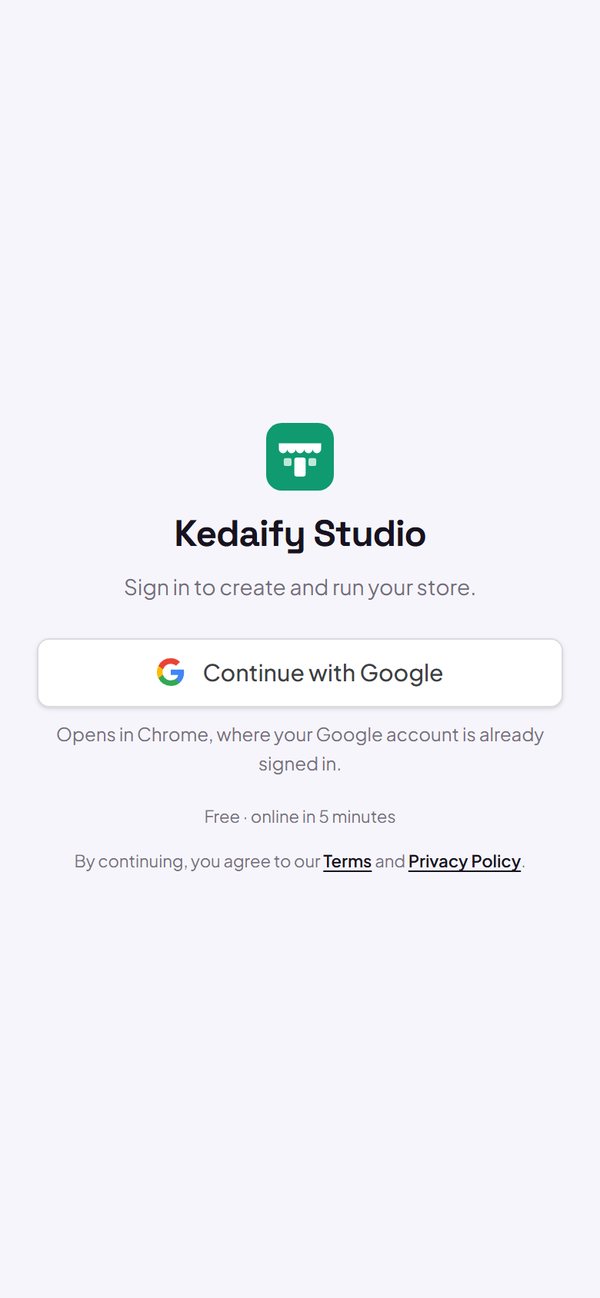 Log in with a code from your emailSigning up and logging in is easier, including from Instagram and Threads: use Google, or a 6-digit code sent to your email.
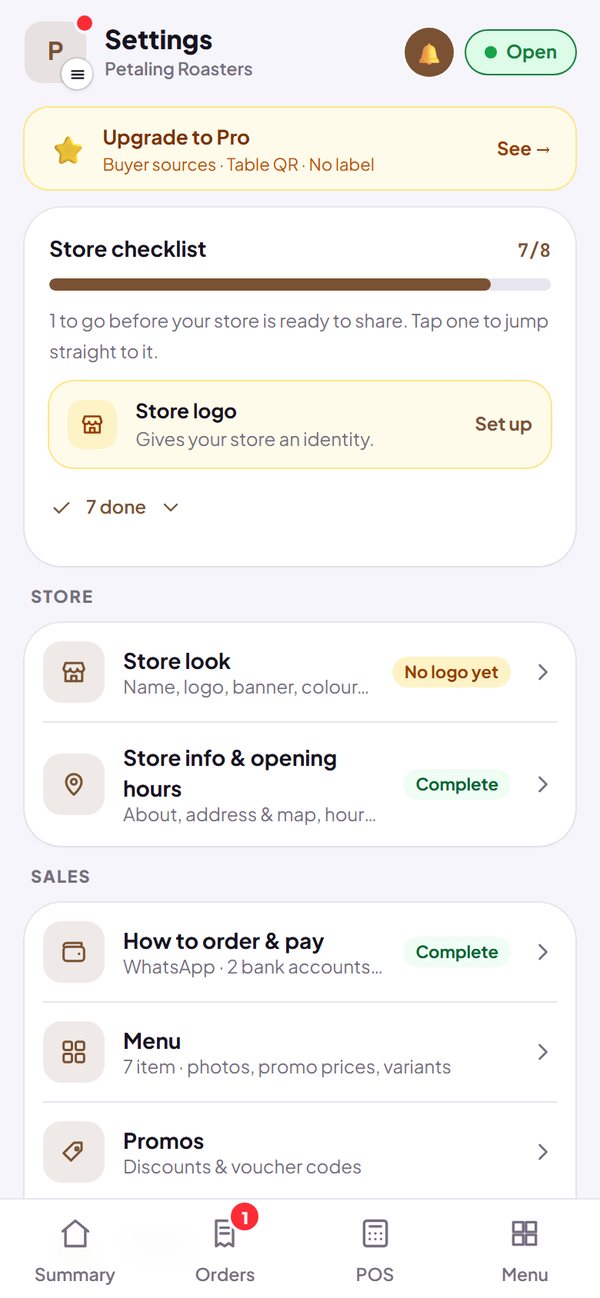 Settings: one place to manage your storeStore look, info and opening hours, how to order and pay, even ads: all your store settings are now in the Settings tab.Print receipts on a thermal printerPOS can print receipts straight to a Bluetooth thermal printer from your phone's browser.
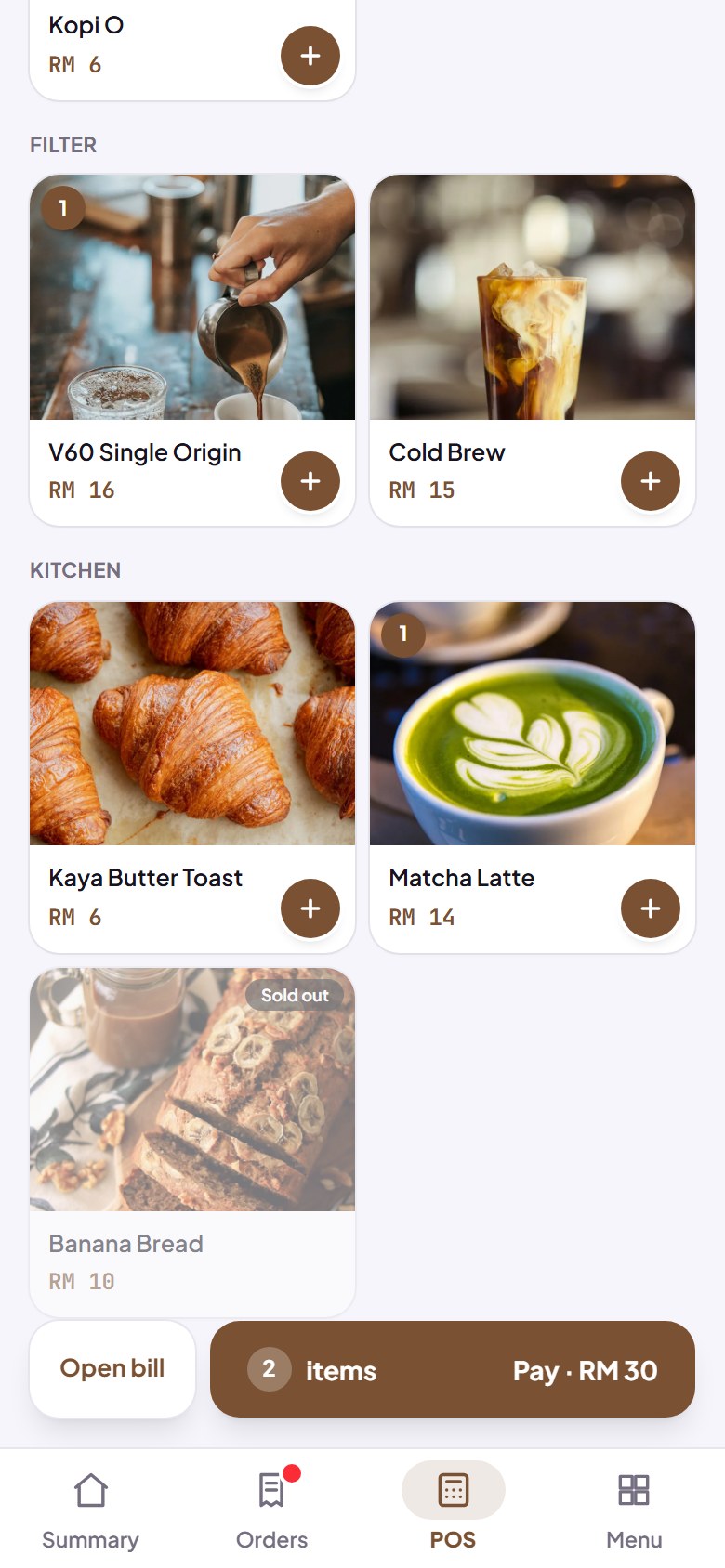 POS modeSell in person: tap products, take cash or a QR payment, and change is worked out for you. It keeps working when the signal drops.
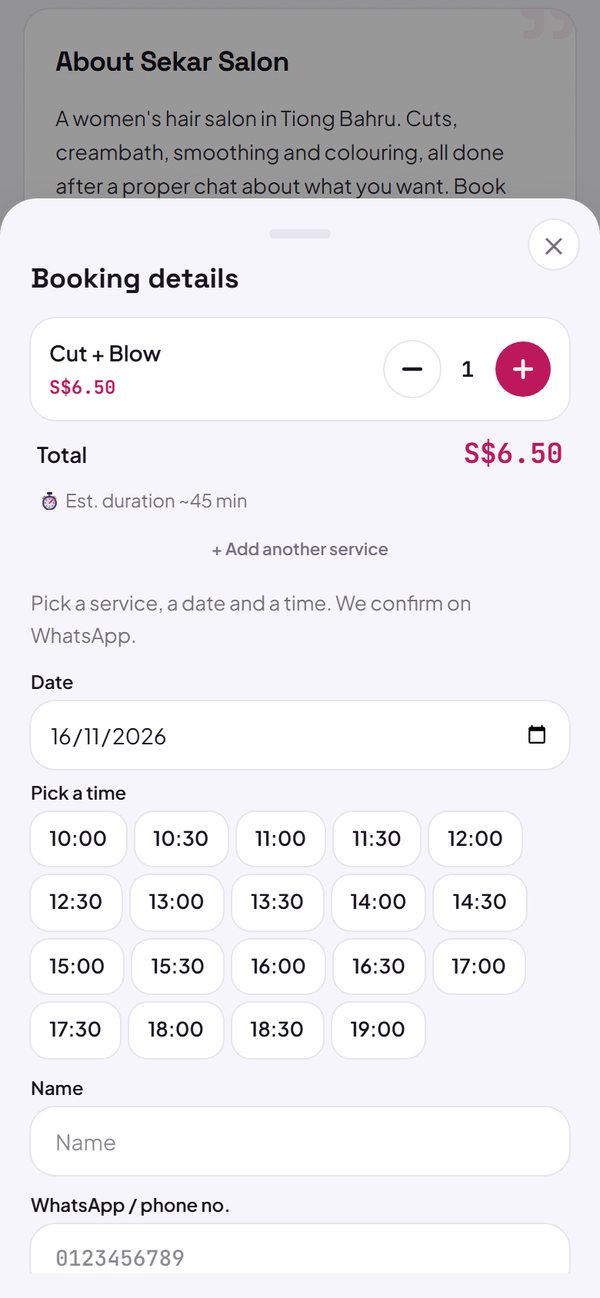 Booking slots for salons, clinics and garagesBuyers pick a service, a date and a free time that follows your opening hours. The booking arrives in WhatsApp and in your Leads tab.Reviews from real buyersBuyers who ordered can leave stars and a comment. Your store shows the average, marked as coming from real buyers.
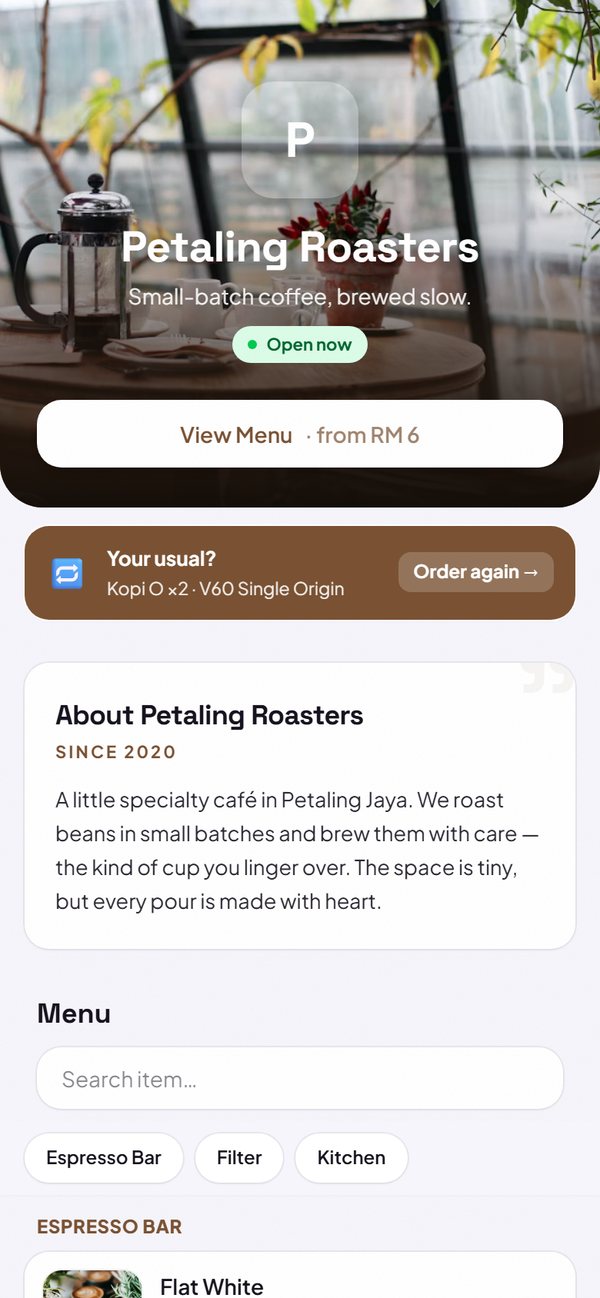 Reorder with one tapReturning buyers see their last order above the menu and can order it again with one tap.
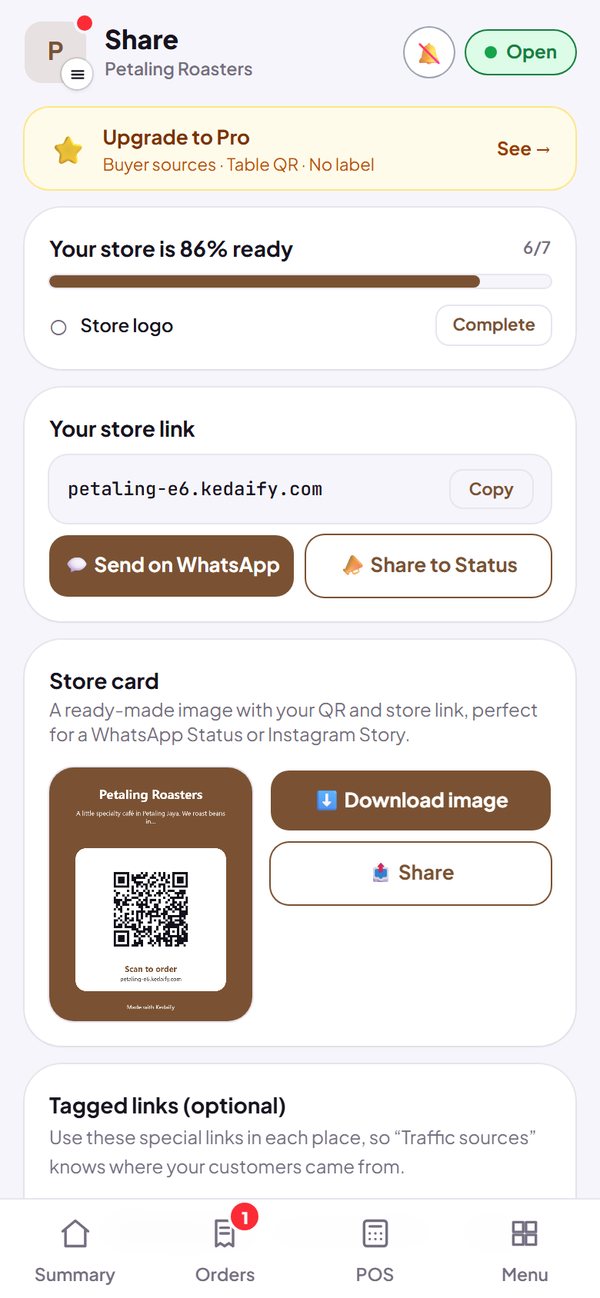 The Share tabYour store link, ready to share, and a store card for WhatsApp and Instagram stories.
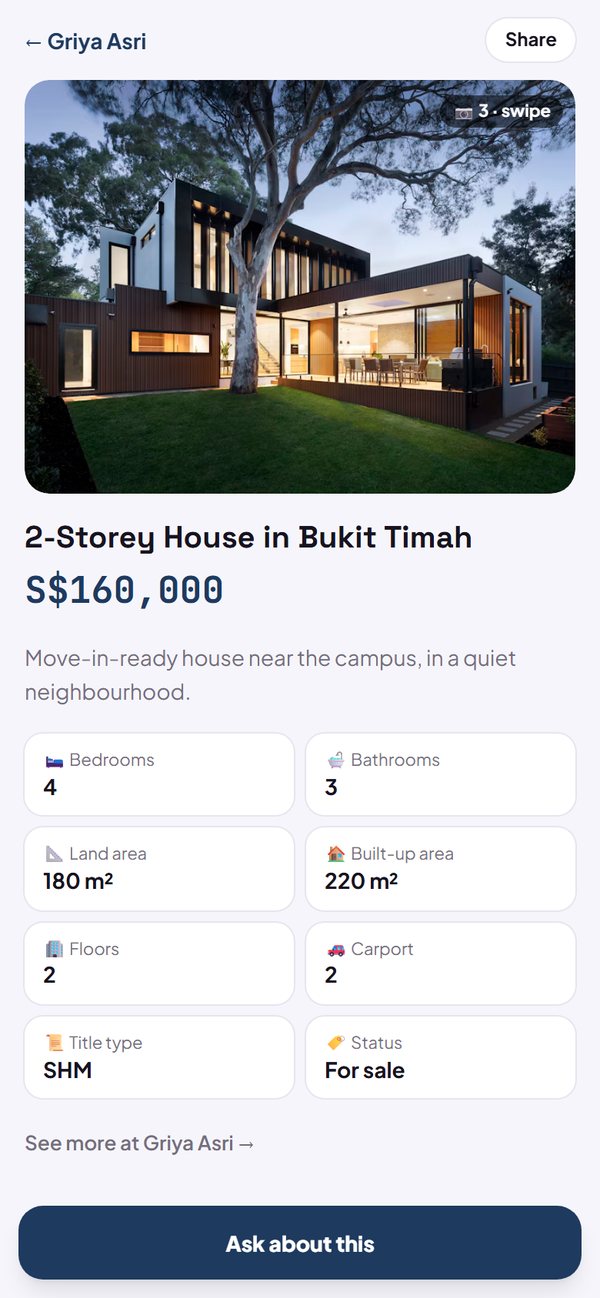 Property listings with their own pageA photo gallery, home specs, a shareable listing page, and bedroom and status filters for property stores.
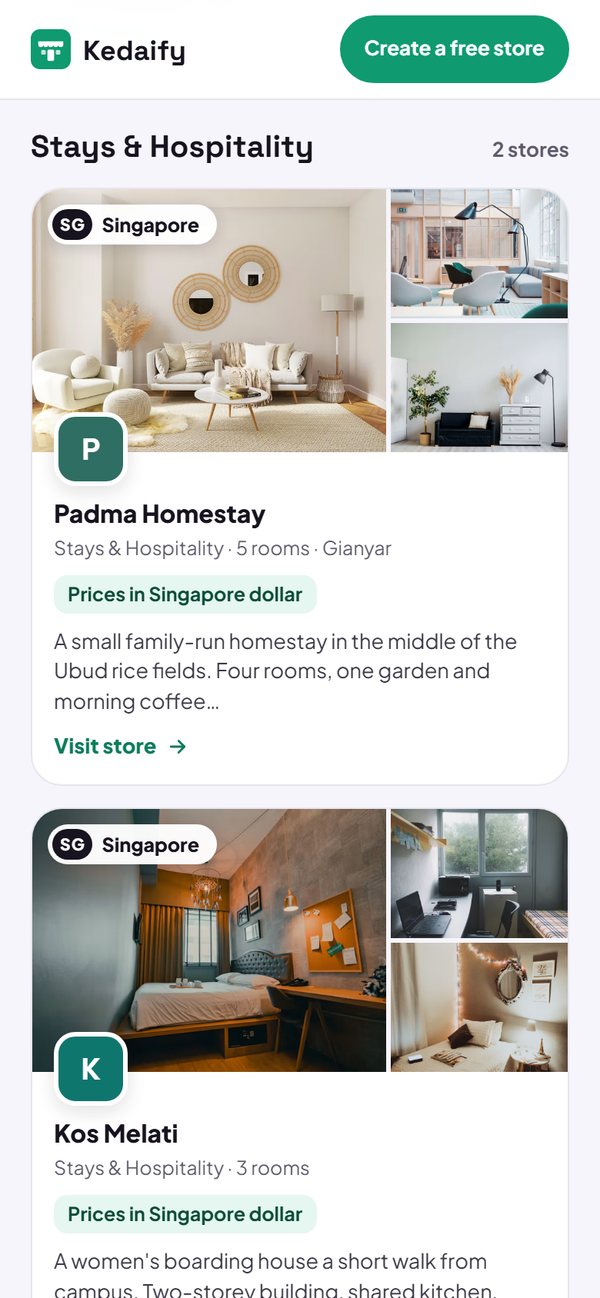 Your store in the Kedaify directoryThe Kedaify store directory shows small stores that are ready for orders, with product photos, logo, city and search.
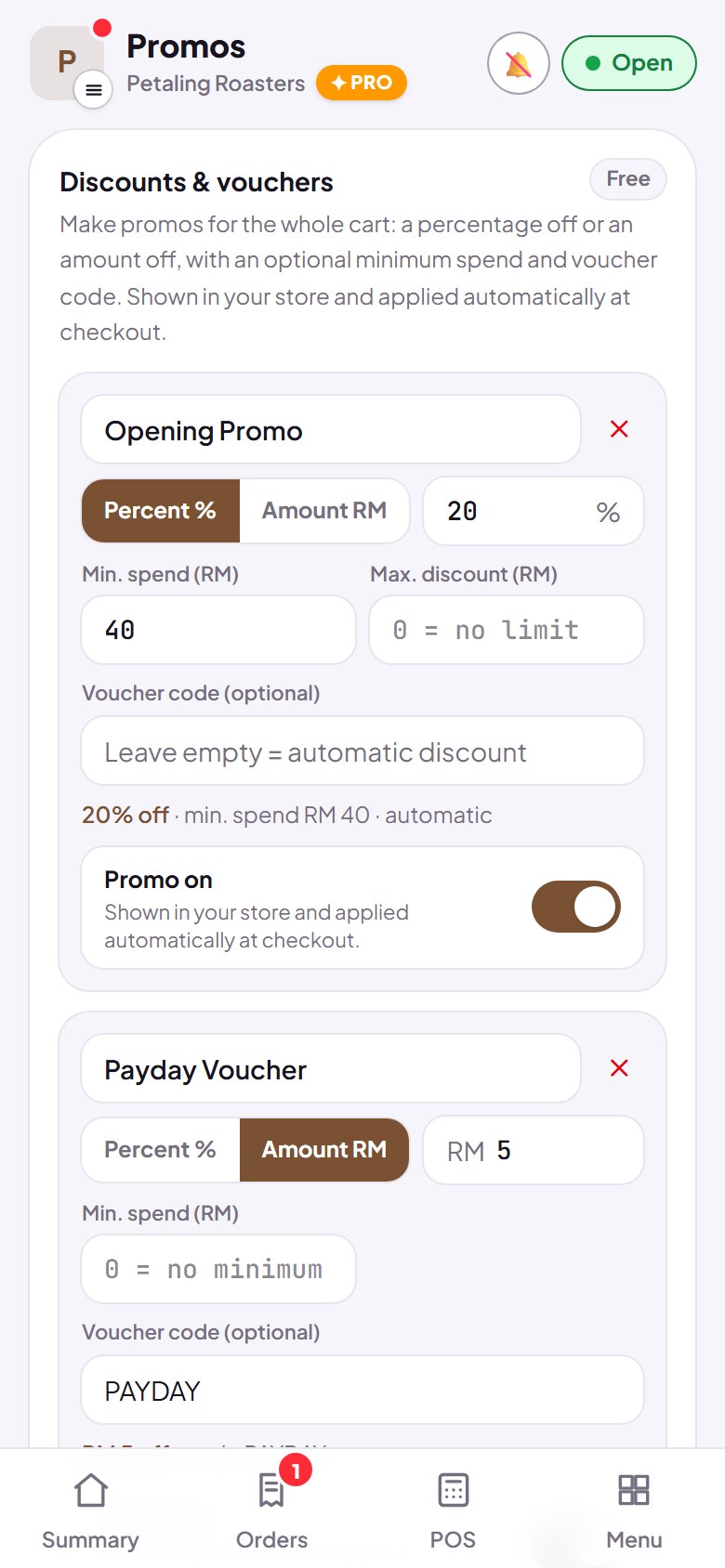 Strikethrough prices, discounts and voucher codesSet a sale price on a product, an automatic discount on the whole cart, or a voucher code. Free on every plan.Automatic open and closed statusAn Open now or Closed label shows by itself from your opening hours, and one tap on Temporarily closed stops orders.
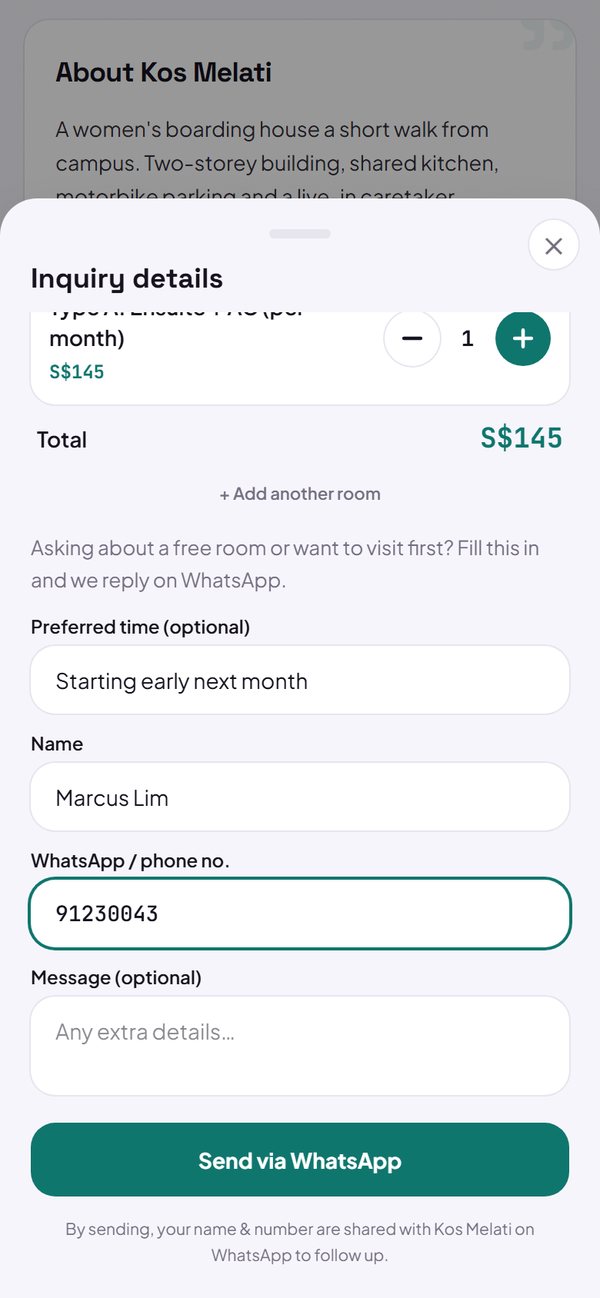 Enquiry form for services, classes and propertyCustomers pick a service, fill in a short form, and the message goes straight to your WhatsApp. It is saved neatly in your Leads tab.
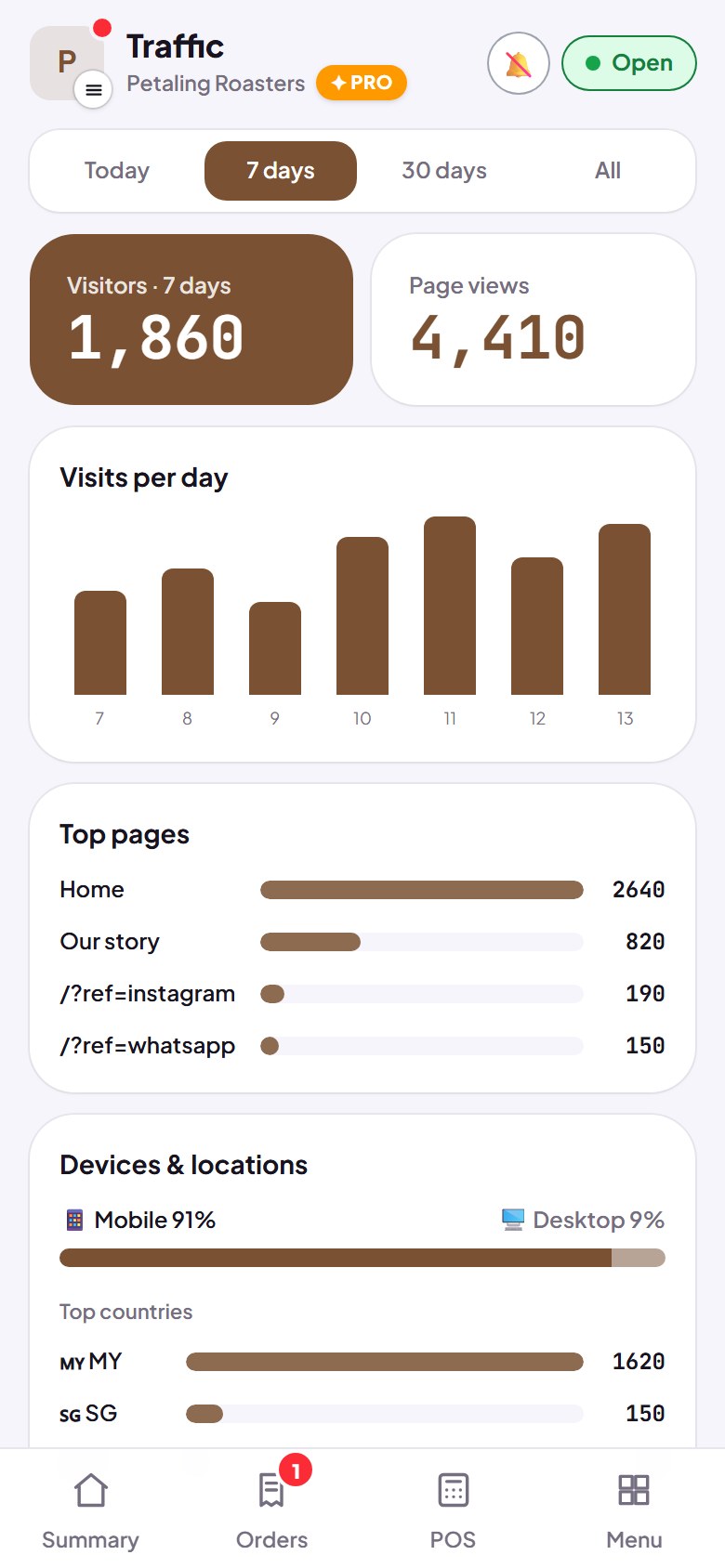 Traffic tab: visitors and where they come fromSee how many people open your store, which pages are busy, phone or computer, and where they came from, without cookies.
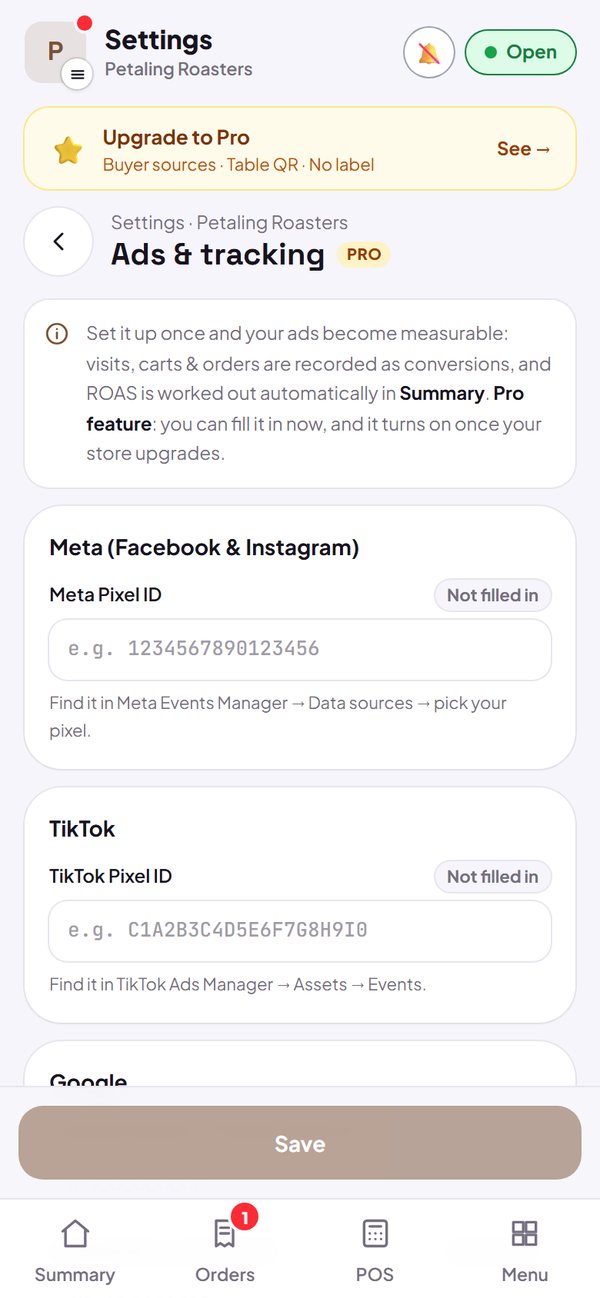 Ads and tracking: Meta, TikTok, GoogleConnect Meta Pixel, TikTok Pixel, Google Analytics 4 and Google Ads conversions to measure your ads all the way to orders. A Pro feature.New order notifications, even when the tab is closedThe dashboard plays a sound when an order comes in, and phone notifications still arrive when the tab or app is closed.Testimonials you choose yourselfShow customer quotes of your choice in your store, with a name, a short note and stars.
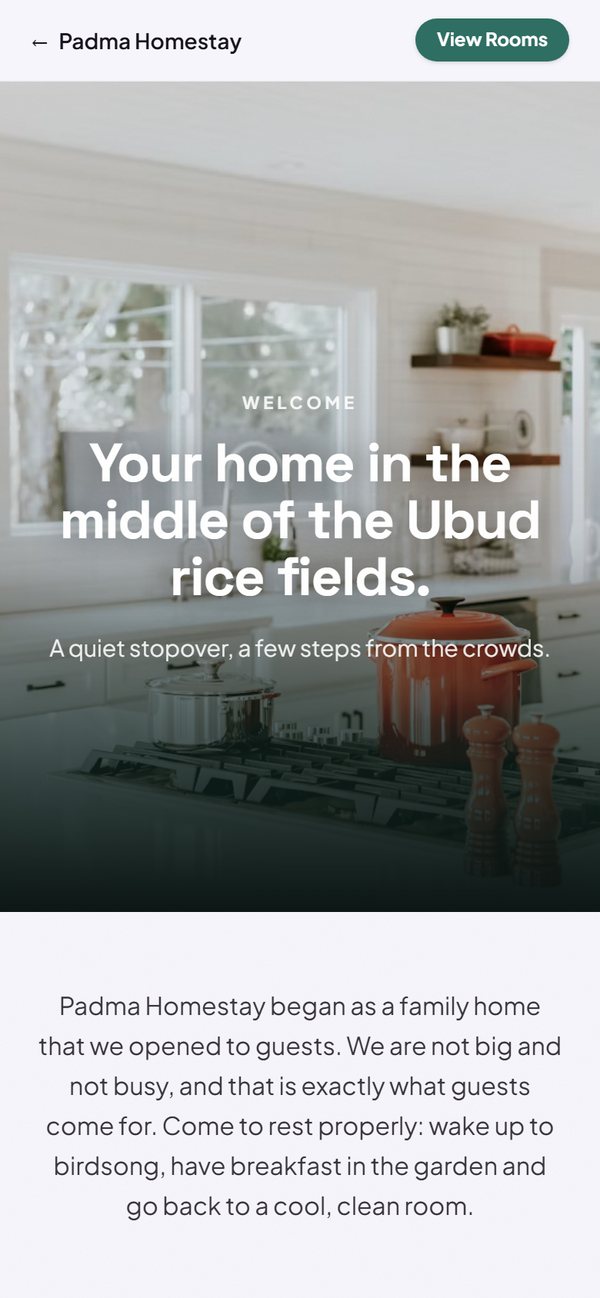 Tell your story in 7 page stylesTell your business story on its own page. Pick from 7 styles, from a brand story to a clinic page.
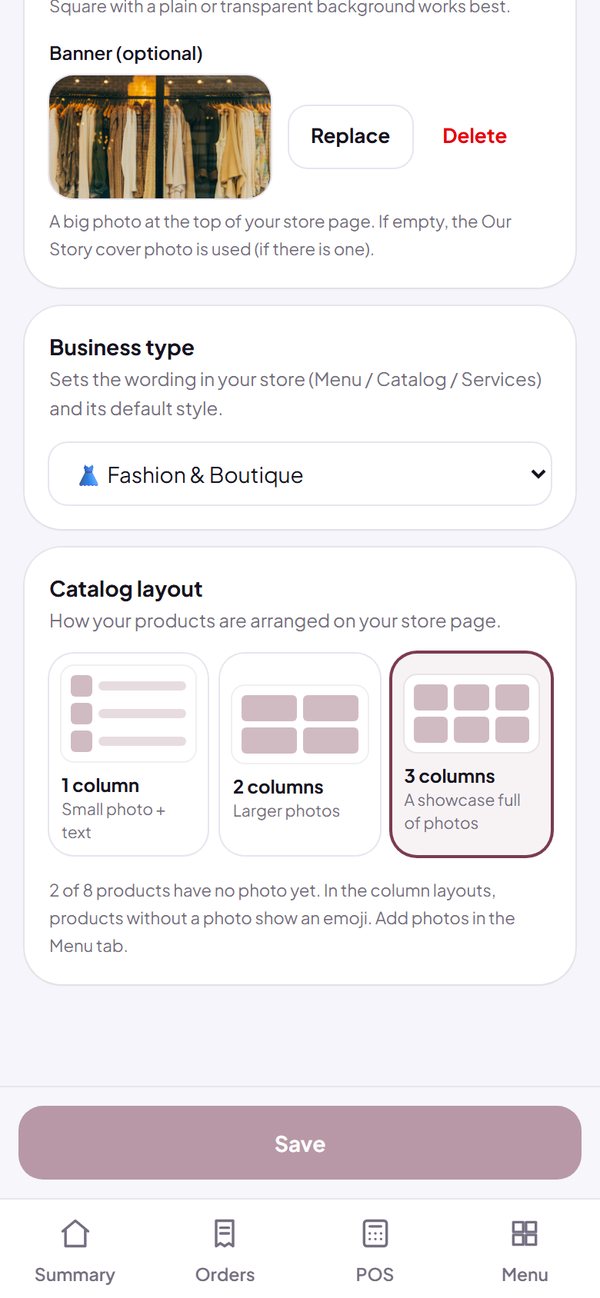 More than food: 11 business typesChoose your type of business, and the wording, the way people order and the look of your store all adjust.
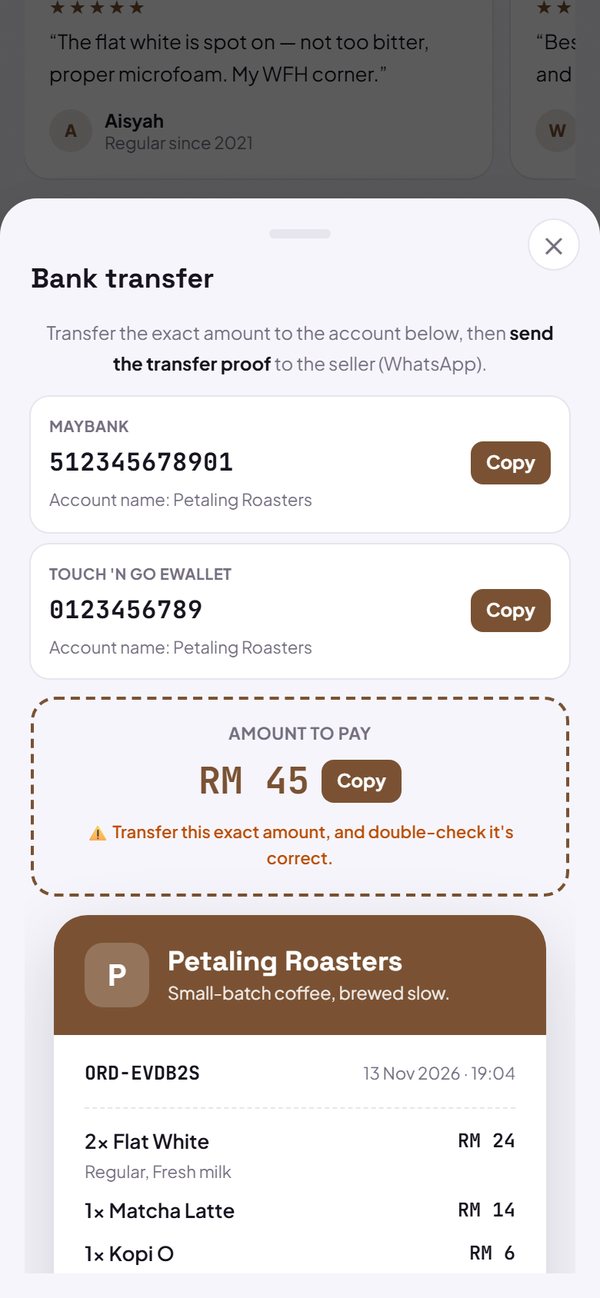 Bank transfer and the Paid markBuyers can pay by bank transfer or e-wallet with a clear receipt and amount, and you mark Paid separately from Done.
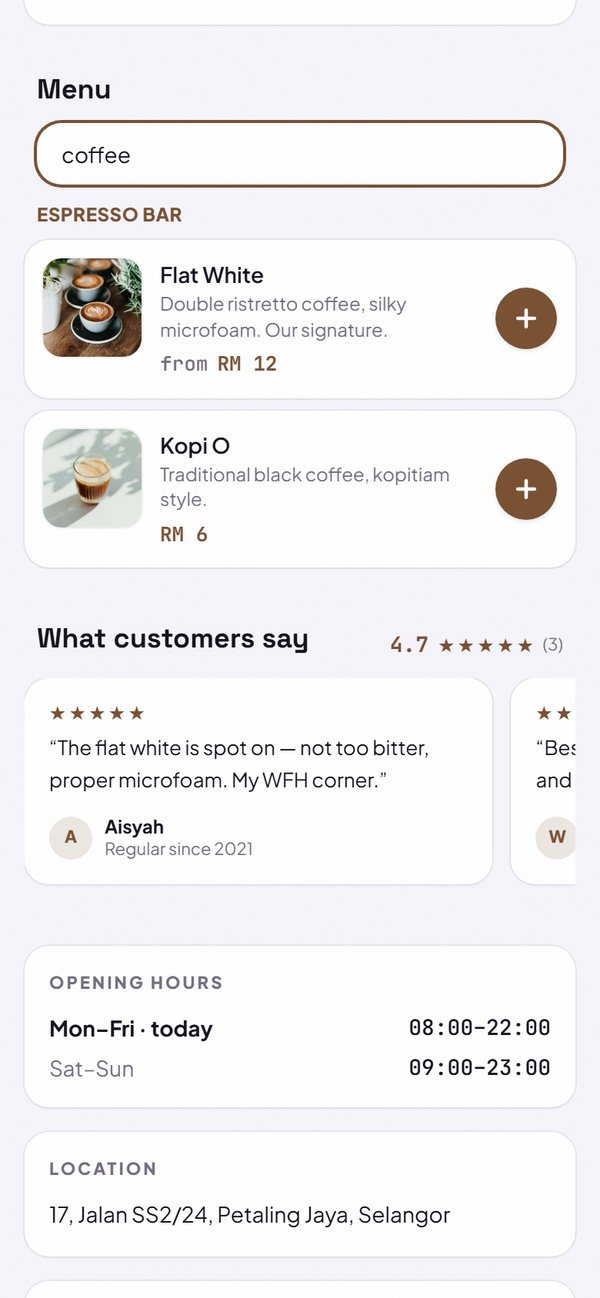 Menu search, Best seller label and kitchen ticketsBuyers can search the menu and open product details, your top sellers get a Best seller label, and the kitchen can print order tickets.
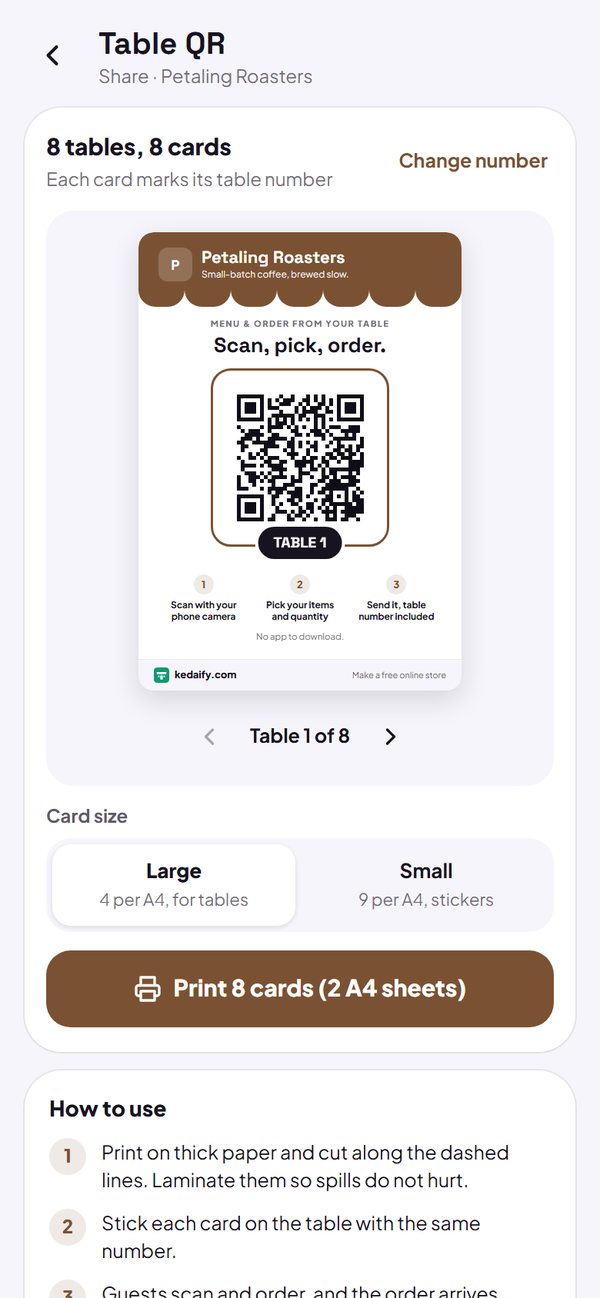 Order from the table with a QR codePrint a QR code for each table so orders are tagged with the table number, plus a store QR poster. A Pro feature.
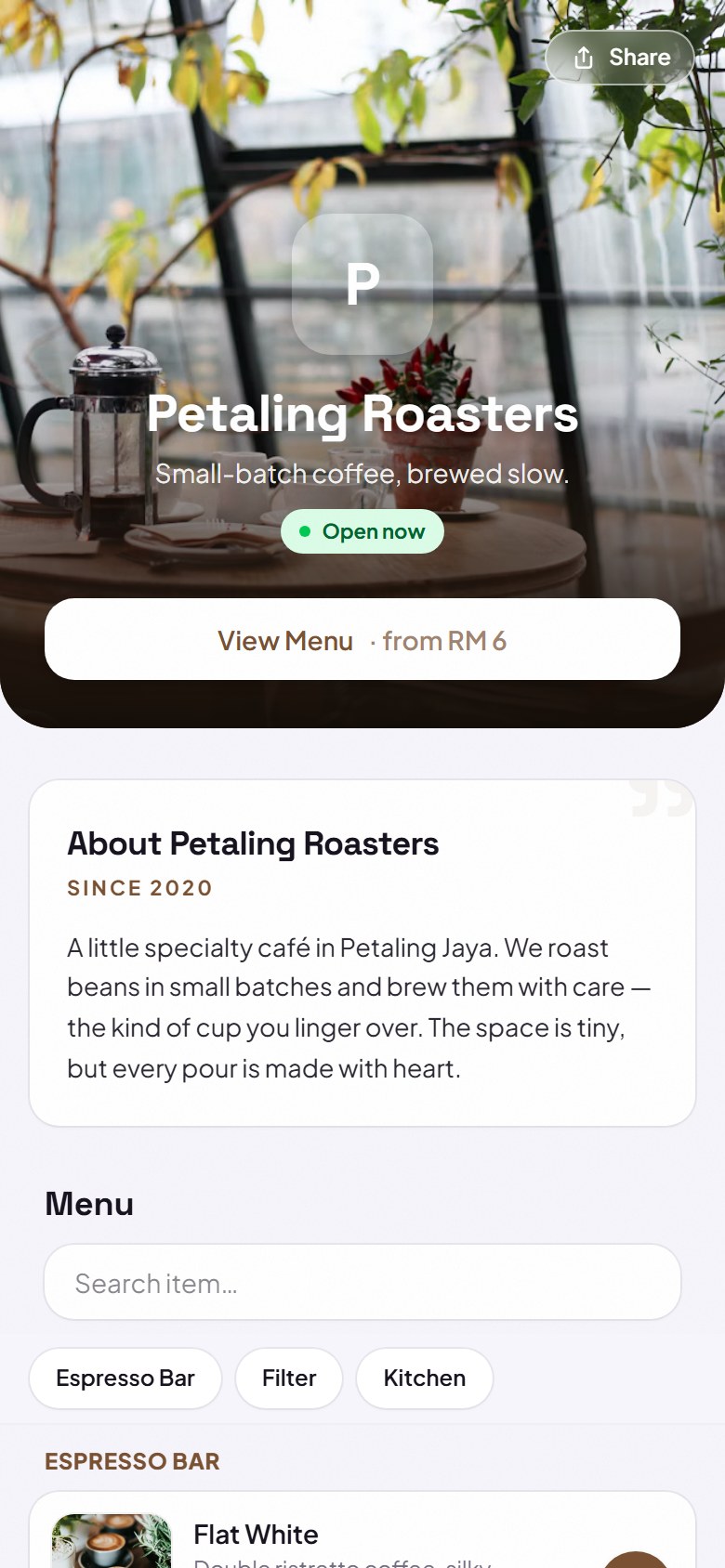 Kedaify is here: a free online storeYour own online store at yourstore.kedaify.com. Buyers order by WhatsApp, QR payment code, transfer or delivery app, with a dashboard for orders and menu.