New feature · 1 min read
Automatic open and closed status
An Open now or Closed label shows by itself from your opening hours, and one tap on Temporarily closed stops orders.
1. Follows your opening hours
Set your opening hours once, and your store cover shows “Open now” or “Closed · Opens tomorrow 08:00” to match. On the Opening hours card, today is highlighted.
- The label is only information, buyers can still order outside opening hours.
- There is a quick fill: every day 08:00 to 21:00.
How to use it: Settings → Store info & opening hours → Opening hours.
2. Temporarily closed
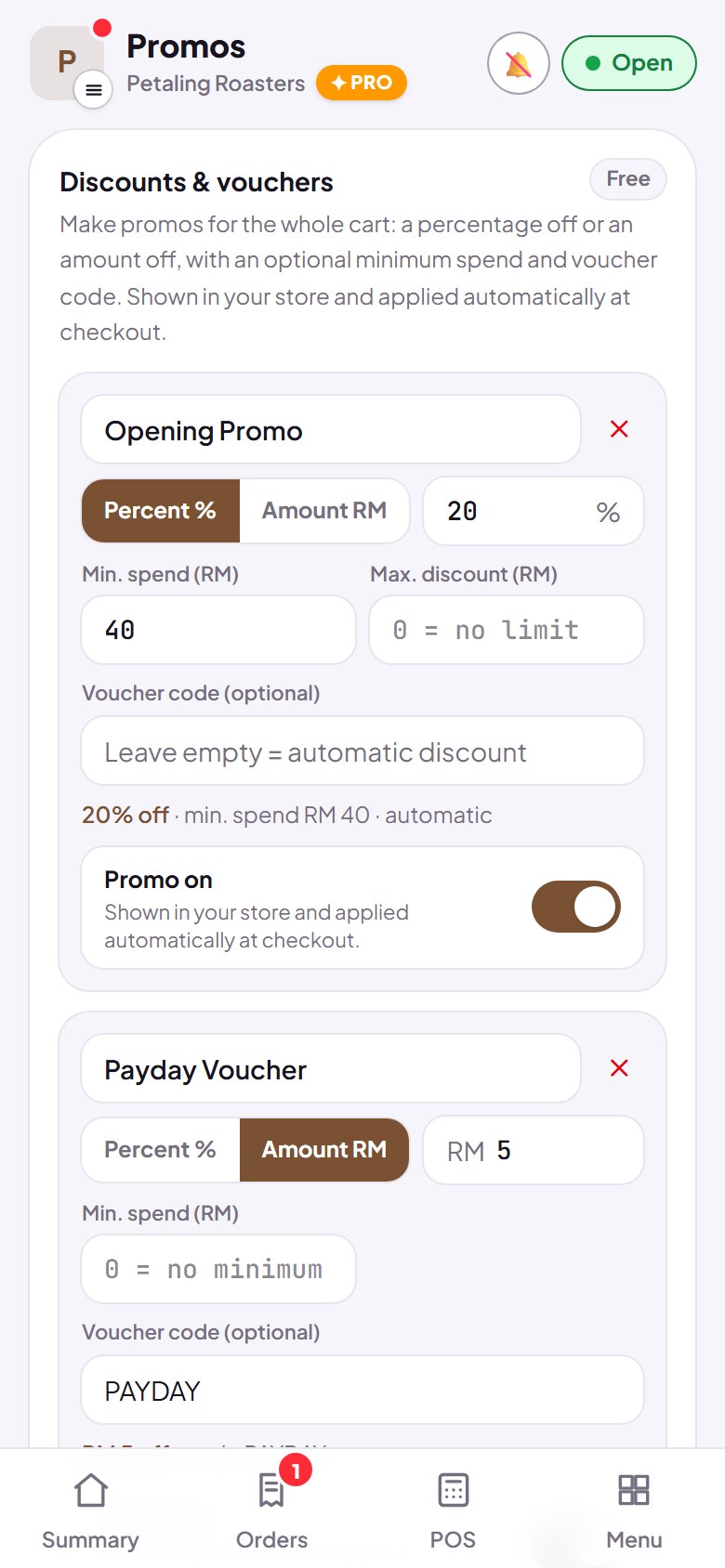
On holiday or out of ingredients? Tap the Open / Closed button at the top of the dashboard. Your store shows “Temporarily closed”, the order button is hidden, and your menu can still be viewed.
- Takes effect straight away.
- Open again with one tap.
How to use it: Dashboard → Open / Closed button.