New feature · 1 min read
Kedaify is here: a free online store
Your own online store at yourstore.kedaify.com. Buyers order by WhatsApp, QR payment code, transfer or delivery app, with a dashboard for orders and menu.
1. Your own online store
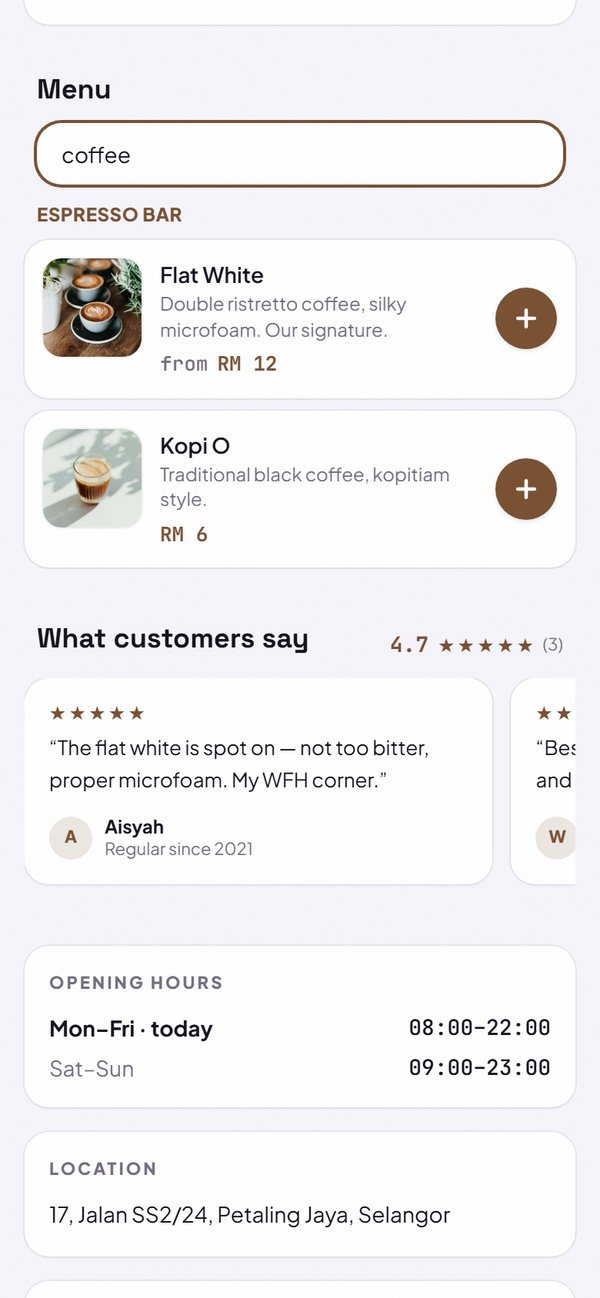
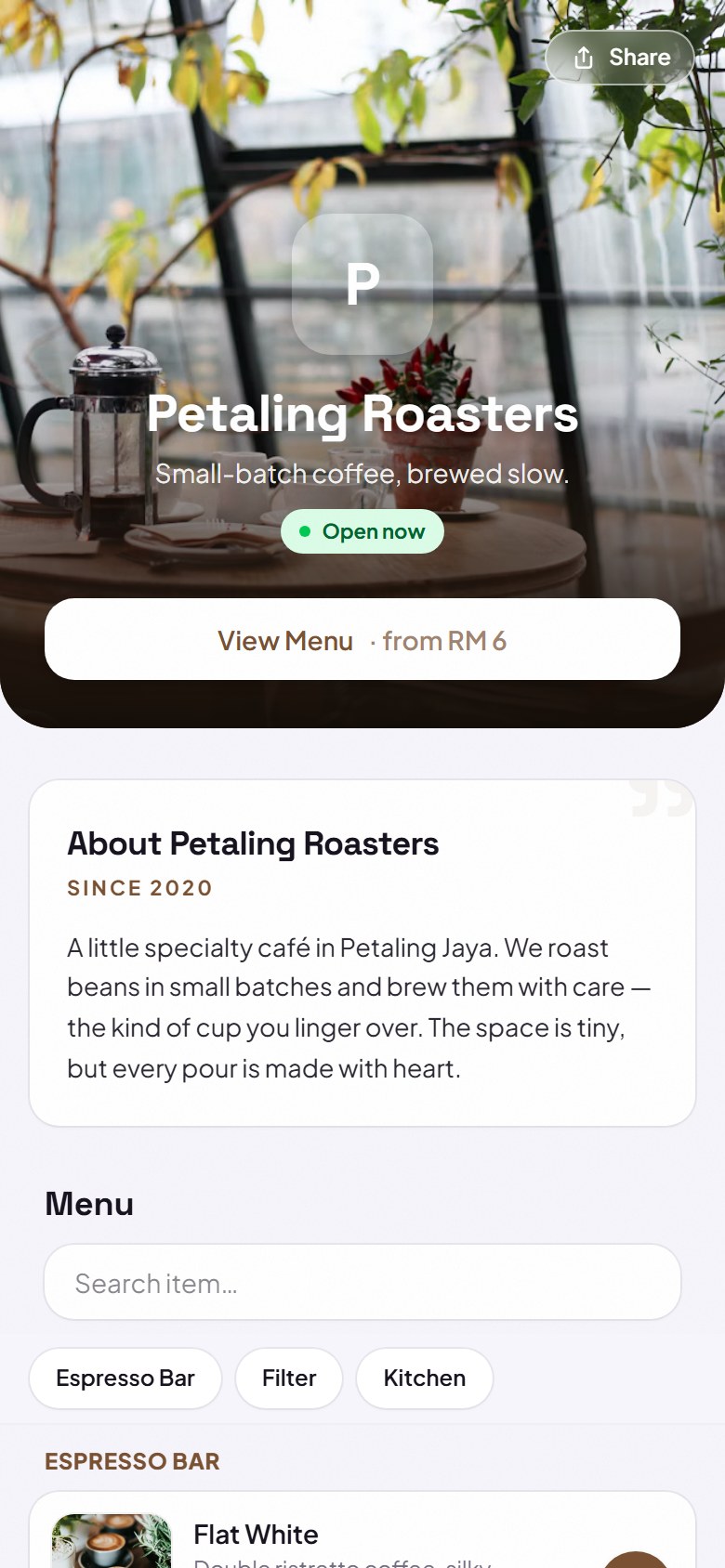
Every store gets its own address, for example yourstore.kedaify.com, with a cover, menu or catalogue, store info, opening hours and a share button. It is made for phones, and the link looks neat when shared on WhatsApp.
- Free, with no commission taken from your sales.
- Create your store with a Google account or email.
How to use it: kedaify.com → Create your free store.
2. Order by WhatsApp, QR payment code, transfer and delivery app
Buyers add products to the cart, then order through WhatsApp with a message already put together, or pay with a QR payment code or transfer and get a digital receipt. If your store is on a delivery app, its button can be shown too.
- With a QR payment code, buyers type the amount themselves.
- Delivery app buttons can be shown or hidden.
How to use it: Settings → How to order & pay.
3. Store dashboard
From the dashboard, manage incoming orders, change your menu and prices, open or close the store for a while, and see your sales, all from your phone.
- Sales are counted from orders you mark Done.
How to use it: yourstore.kedaify.com/dashboard.
Questions about this release
How much does it cost to create a store on Kedaify?
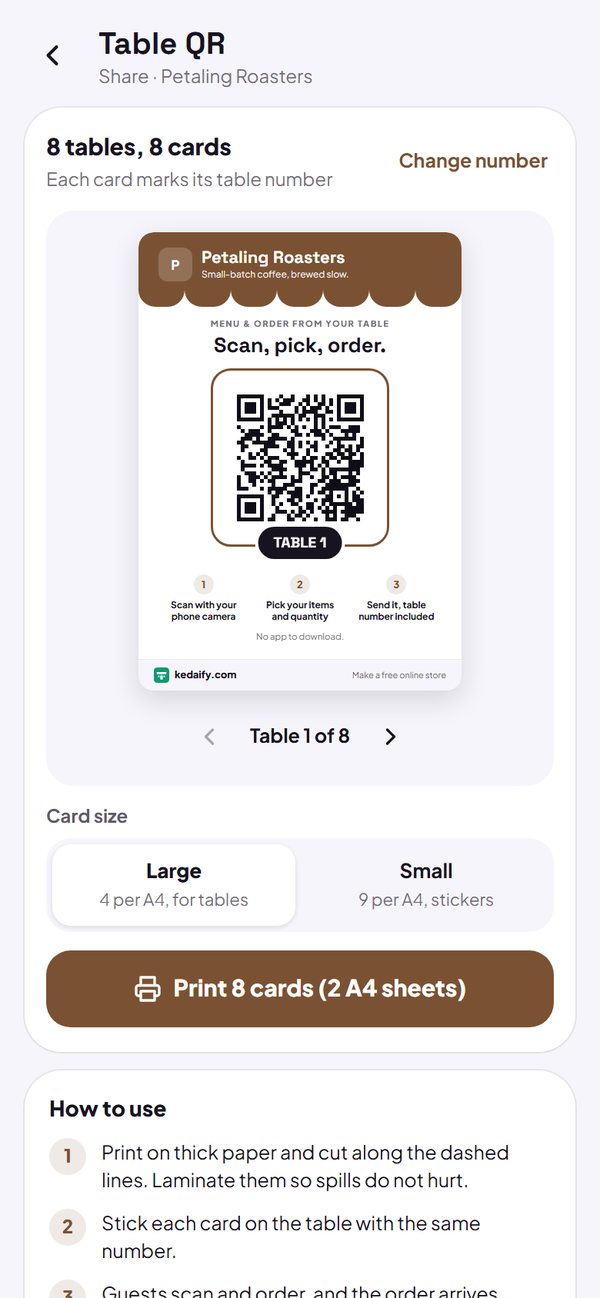
It is free. The Pro plan adds features like table QR codes, kitchen tickets, full analytics, and a store without the Kedaify label.