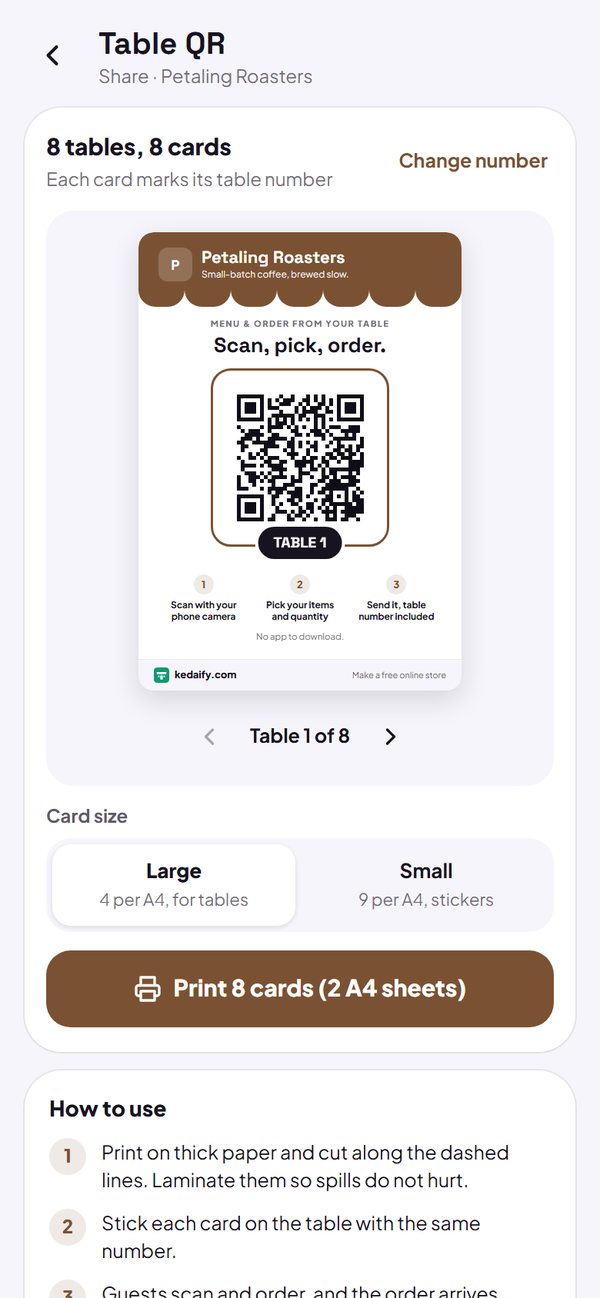
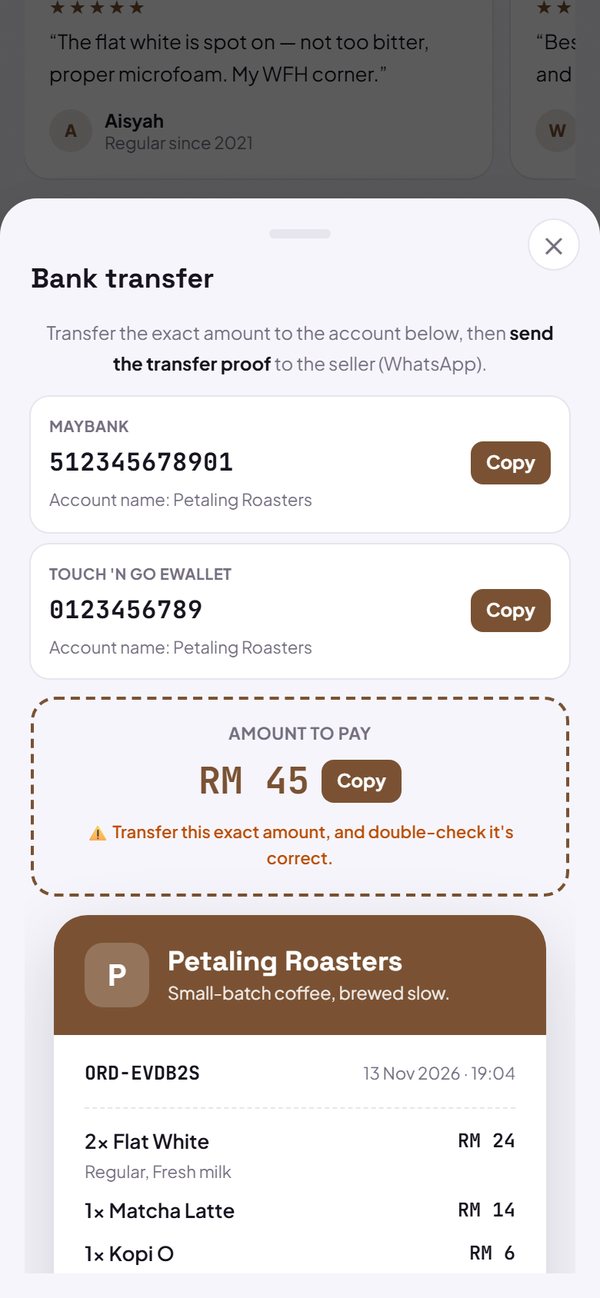
New feature · 1 min read
Menu search, Best seller label and kitchen tickets
Buyers can search the menu and open product details, your top sellers get a Best seller label, and the kitchen can print order tickets.
1. Search and product details
The search box above the menu looks through product names and descriptions. Tap a product to open its details (photo, description, price and options) before adding it to the cart.
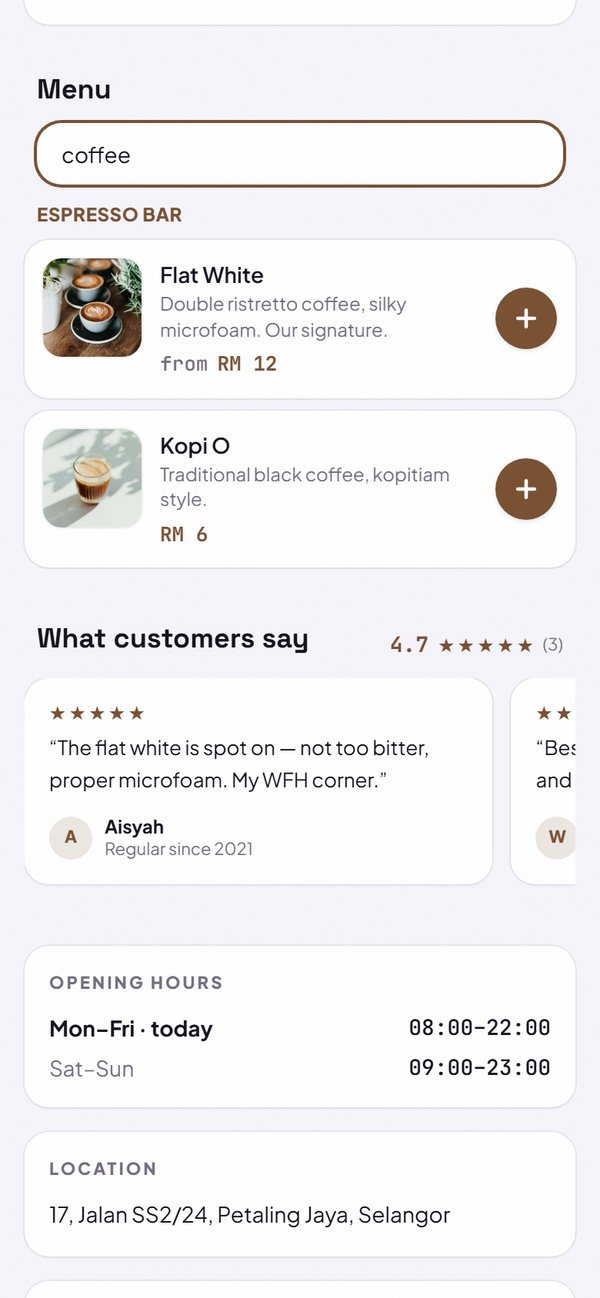
- Categories are hidden for a moment while searching.
- The word “menu” follows your business type: Search products, Search services, and so on.
How to use it: Automatic in every store.
2. Best seller label
The three products that sold the most in the last 30 days automatically get a 🔥 Best seller label. They need at least 2 sold, counted from orders that were not cancelled.
- Nothing to set up.
- For stores that take orders.
How to use it: Automatic.
3. Kitchen tickets
Print an order ticket for the kitchen from the Orders tab: store name, order number, a big table number, every item with its options, and the total. The size fits 58 mm paper.
- A Pro feature, the button is locked on the Free plan.
How to use it: Dashboard → Orders → Print.