New feature · 1 min read
POS mode
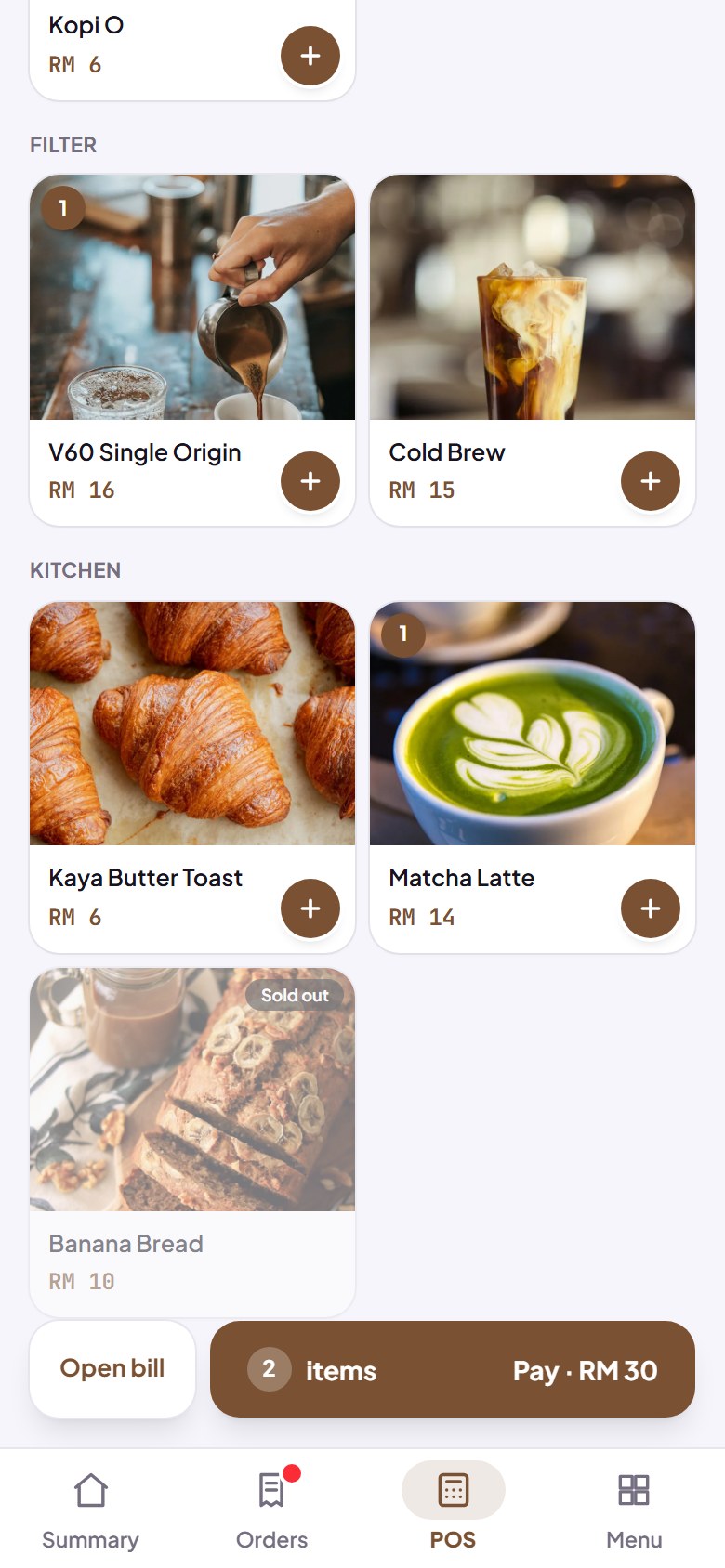
Sell in person: tap products, take cash or a QR payment, and change is worked out for you. It keeps working when the signal drops.
The POS tab turns your phone into a cash register. Tap products from your catalogue, choose cash or QR payment, and the change is worked out for you. Sales at the counter go into the same order records as online orders, so your sales add up in one place.
- Keeps working when the signal drops: sales are saved on your phone, then sent when you're back online.
- Quick cash amount buttons to work out change fast.
- A digital receipt, ready to share with the buyer.
How to use it: Dashboard → POS.