New feature · 1 min read
Print receipts on a thermal printer
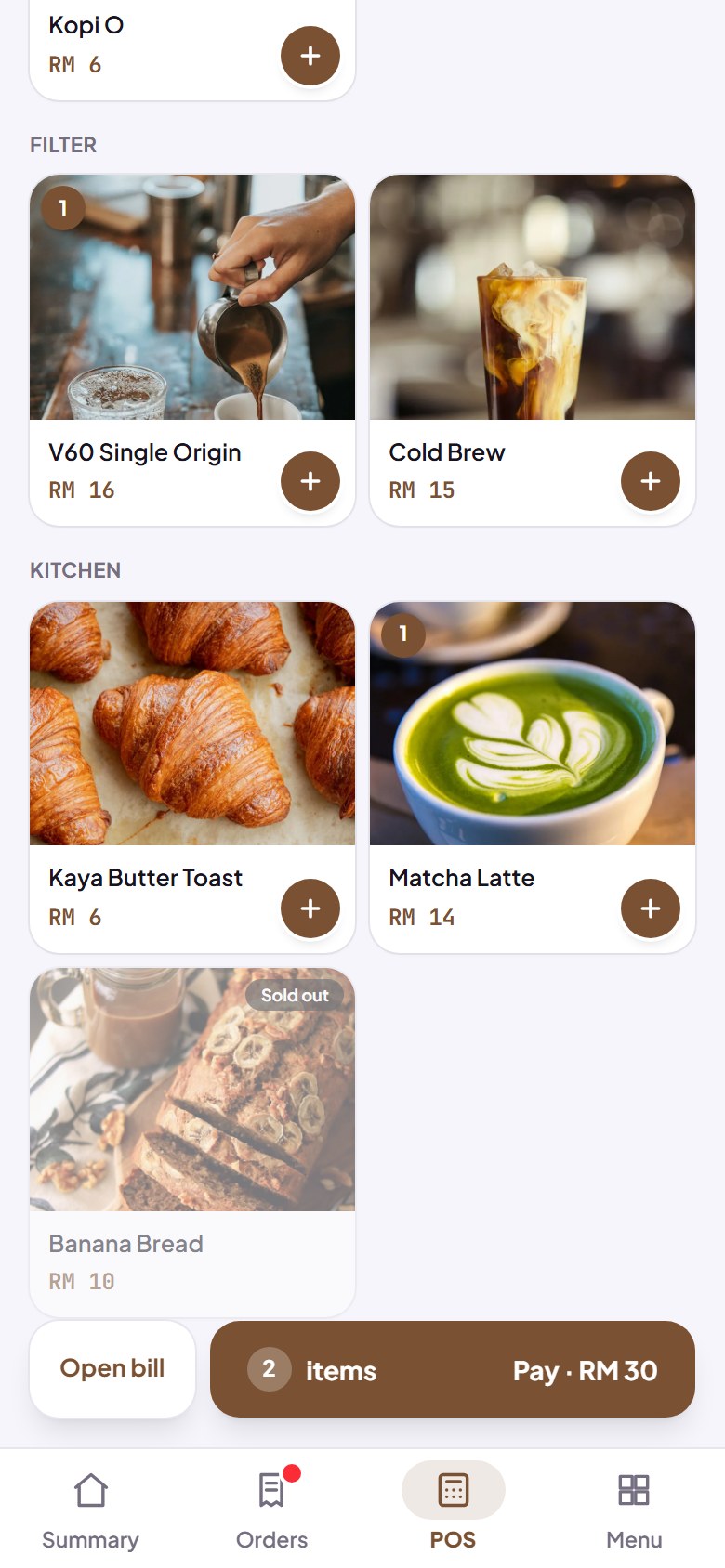
POS can print receipts straight to a Bluetooth thermal printer from your phone's browser.
1. Print a receipt
After a sale in POS, tap Print receipt and the receipt comes out of your Bluetooth thermal printer, straight from the browser, with no extra app. The first time, pick your printer from the device list; while the page stays open, later prints go straight through.
- For Bluetooth Low Energy (BLE) thermal printers that use ESC/POS commands.
- Works in Chrome or Edge, on Android and on a computer.
- Not yet on iPhone (Safari) or Firefox: the button doesn't show there, and you can still share the receipt as usual.
How to use it: Dashboard → POS → finish a sale → Print receipt.
2. Test it first in Settings → Printer
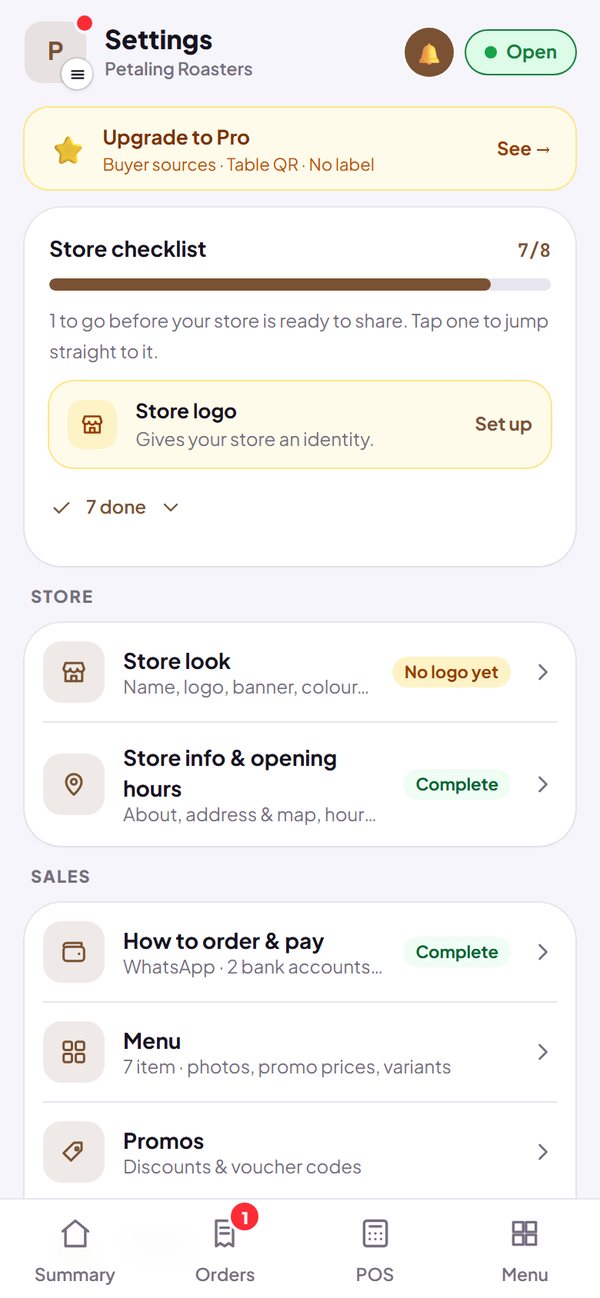
Before you use it for selling, open Settings → Printer, connect your printer, then print a test. That page also tells you what works and what doesn't on the phone or computer you're using.
- USB, WiFi or AirPrint printers can work through the browser's print window, for kitchen tickets.
- Kitchen tickets from Orders and POS follow the print method you choose.
- Paper not coming out? There's a list of things to check.
How to use it: Dashboard → Settings → Printer → print a test.